
TL;DR: URL redirects send visitors from one URL to another. Use 301 for permanent moves (transfers SEO value), 302 for temporary ones (doesn’t). Avoid redirect chains — each hop loses ~15% of link equity. Need to set up redirects without server access? Domain-Forward.com handles it in 5 minutes with automatic HTTPS.
You need to send traffic from one URL to another — maybe you’re migrating domains, rebranding, or consolidating sites. Get the redirect type wrong and your SEO rankings disappear. Get them right and your traffic flows seamlessly to the new destination.
What Are Redirects?
A URL redirect sends visitors from one URL to a different URL automatically. When someone visits the source URL, they’re instantly sent to the destination URL. The visitor may not even notice it happened.
Why Are Redirects Important?
Redirects solve four critical problems:
- Preserving SEO during site changes: When you restructure your site or move pages, redirects ensure search engines find the right content. Without them, your rankings disappear.
- Preventing broken links: Your users don’t see 404 errors when old URLs change. Bookmarks, backlinks, and shared links keep working.
- Simplifying URLs: Turn
blog.example.com/2022/05/our-great-overview-of-the-current-trendsintoexample.com/great-content. - Enforcing HTTPS: Move users from HTTP to the secure HTTPS version automatically with HTTPS redirects.
When to Use Redirects
You need a redirect when:
- You’re moving to a new domain — redirects maintain your SEO and send visitors to the right place. See our brand migration use case for details.
- You want shorter URLs —
example.com/dealsis easier to remember than a subdomain with a date-stamped path - You’re deleting pages — send visitors to the closest relevant page instead of a dead end
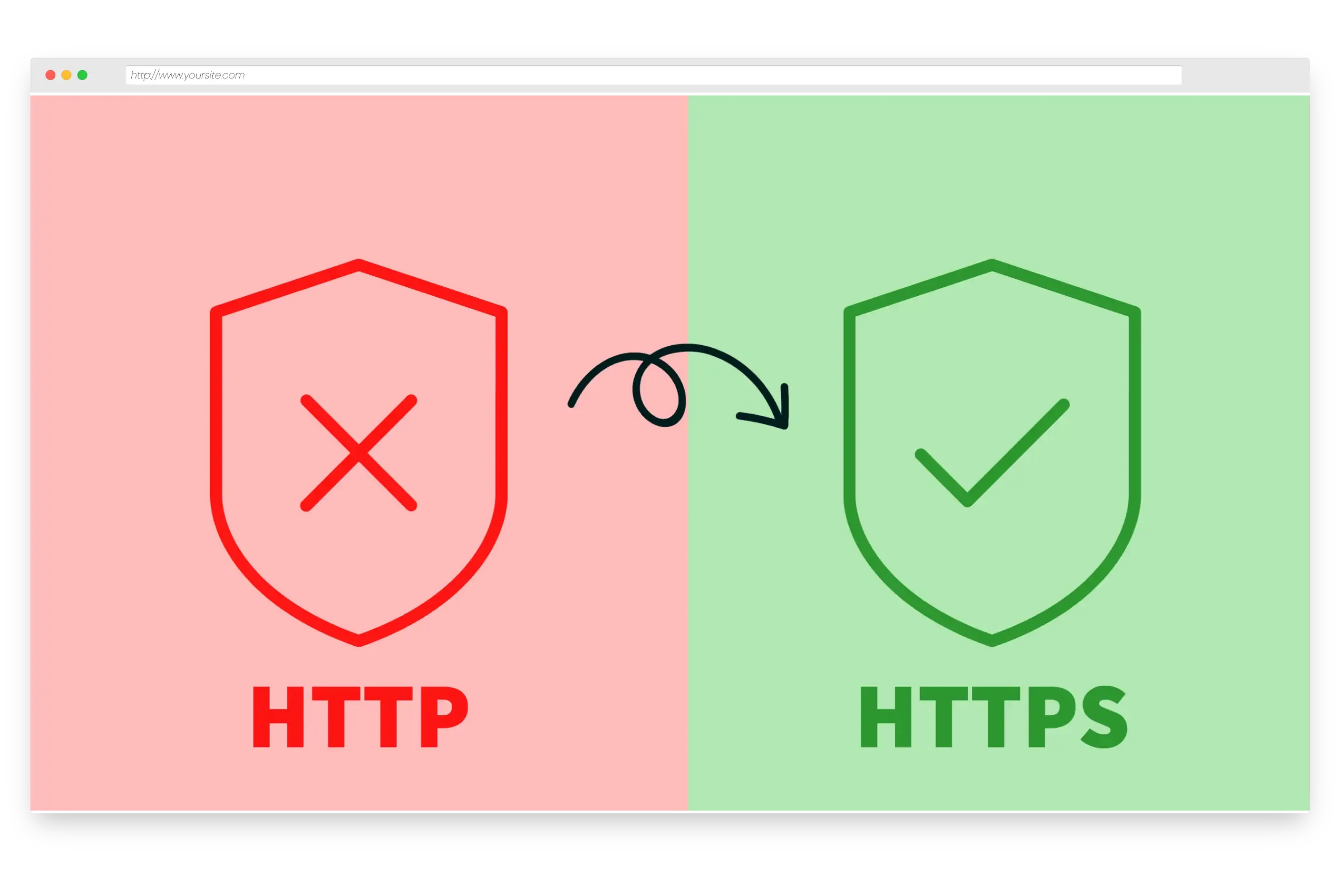
- You need HTTPS everywhere — redirect all HTTP traffic to your secure site
Types of Redirects
The three most common redirect types:
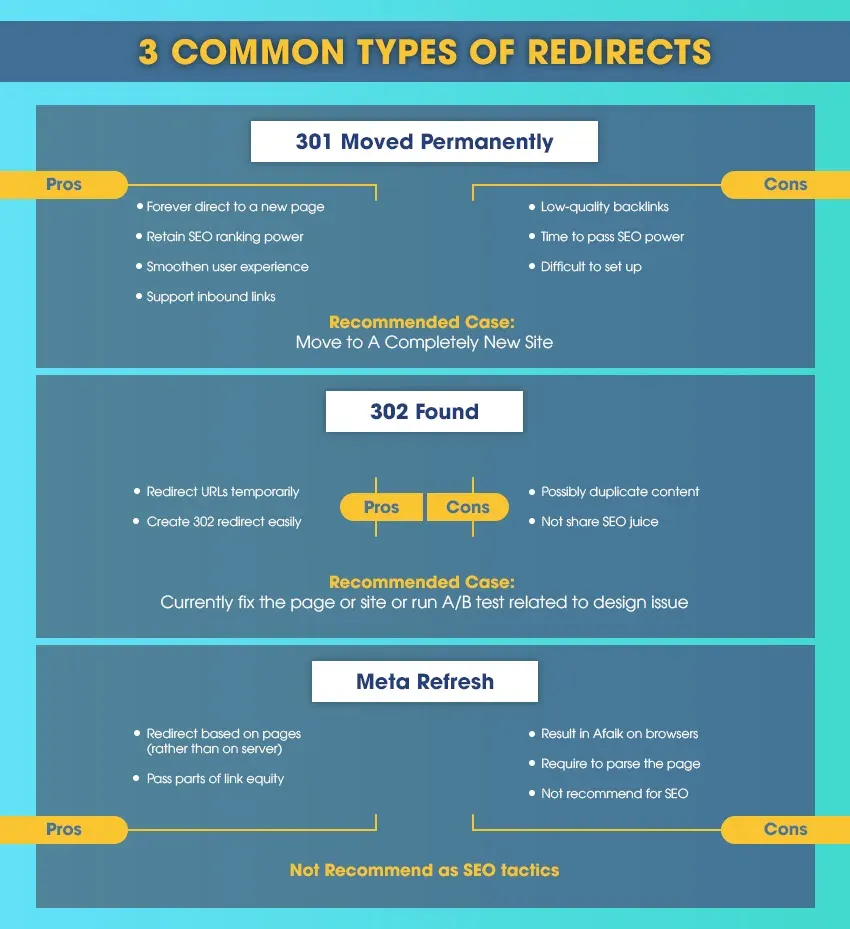
- 301 (Permanent) Redirect: Tells browsers and search engines the page has permanently moved. Use this for domain migrations and permanent URL changes. Transfers full SEO value.
- 302 (Temporary) Redirect: Signals the page is moved temporarily — during a redesign or A/B test. Does not pass SEO value. Only use when you plan to revert.
- Meta Refresh: A page-level redirect (not server-level). Often used for timed redirects (“You will be redirected in 5 seconds”). Avoid this — it’s slow and search engines don’t always respect it.
10 Redirect Best Practices
- Use 301 for permanent moves: This transfers link equity to the new page. If you’re not sure, default to 301.
- Avoid redirect chains: Each hop loses ~15% of link equity. After 5 redirects, only ~44% of SEO value remains. Always redirect directly to the final destination.
- Update internal links: Don’t rely on redirects for your own site’s navigation. Change the
hrefvalues in your code. - Redirect to relevant content: Sending visitors to an unrelated page hurts trust and SEO. Google’s helpful content guidelines penalize misleading redirects.
- Be careful with wildcards: Wildcard redirects can accidentally override specific redirects you’ve set up. Test thoroughly.
- Always redirect to HTTPS: All redirects should point to HTTPS destinations. HTTP is flagged as “Not Secure” by every major browser. See our HTTPS domain forwarding feature.
- Skip meta refresh: Use server-level 301/302 redirects instead. Meta refresh confuses both users and search engines.
- Test after implementation: Use a redirect testing tool or whatsmydns redirect checker to verify the status code, destination, and HTTPS.
- Monitor analytics post-redirect: Watch for traffic drops or ranking changes in your analytics.
- Audit regularly: Remove redirects for domains you no longer own. Fix any chains that have formed over time.
Redirect FAQs
Q: Do redirects affect SEO? A: Yes. A correctly implemented 301 redirect transfers SEO value to the new URL. A 302 does not. Broken redirect chains, loops, or wrong redirect types actively damage your rankings.
Q: Can redirects be undone? A: Yes — remove the redirect rule and the original URL serves traffic again. But do this carefully: if search engines have already indexed the new URL, reverting can cause temporary ranking confusion.
Q: How many redirects are too many? A: Keep chains to 3 hops maximum. Each redirect adds latency and loses link equity. One direct redirect is always best.
Q: How do I set up redirects? A: It depends on your registrar and technical background. See our comprehensive guide on how to redirect a domain using DNS for all options — from Nginx/Apache configuration to cloud services to Domain-Forward.com.
Set Up Redirects Without Technical Knowledge
If you don’t have server access or cloud infrastructure experience, Domain-Forward.com handles everything: automatic HTTPS, 301 redirects, analytics, and both www/non-www. Add your domains, update DNS records, and you’re done in 5 minutes. Free plan available for up to 5 domains.
You can verify your redirects are working with our redirect tester tool, and learn about registrar-specific setups in our guides for GoDaddy, Namecheap, and other registrars.