Migrate Domains Without Breaking URLs
When you move to a new domain, every old URL needs to land on the right page — not your homepage. Path forwarding preserves the full URL structure. Query forwarding keeps your UTM tracking intact.
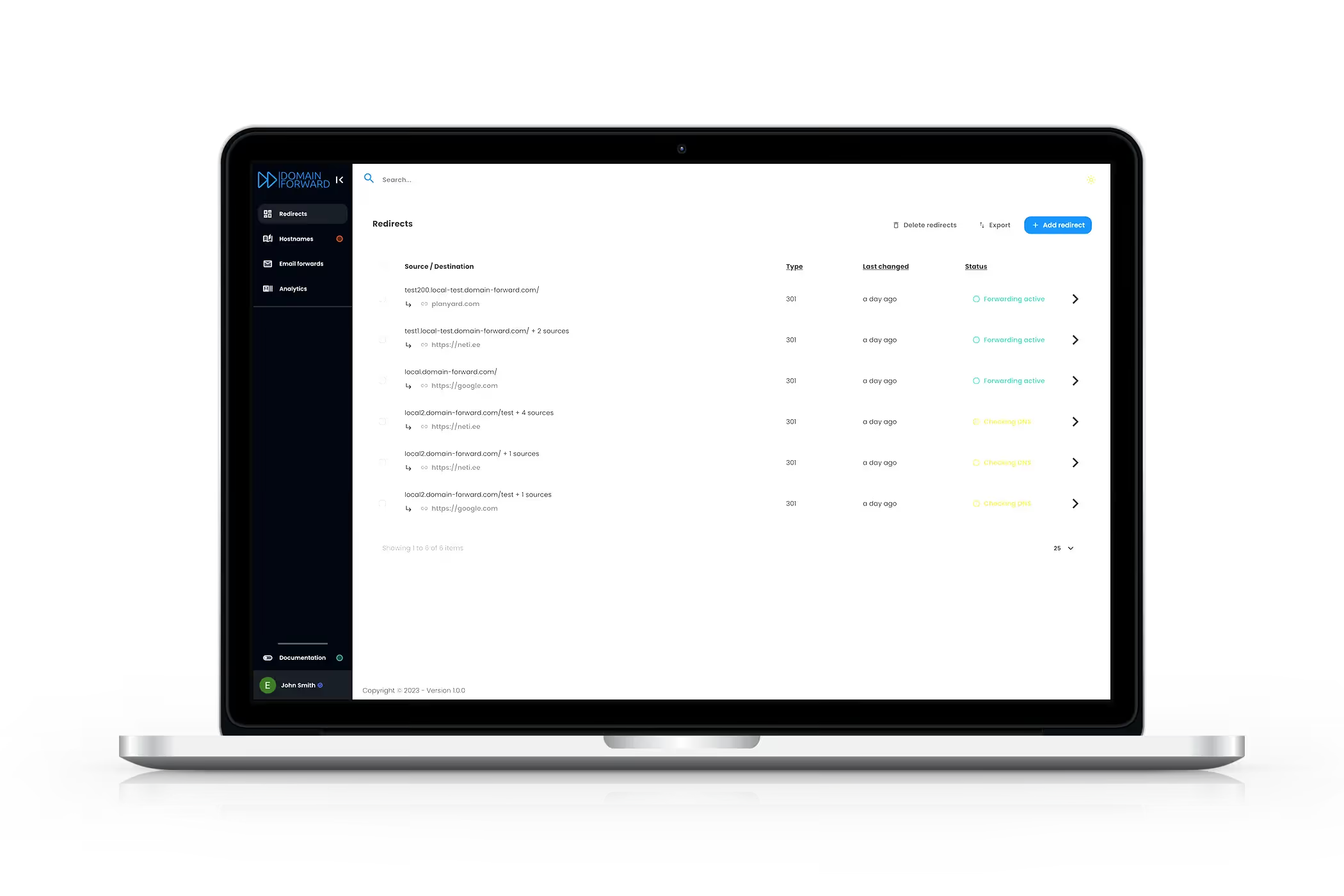
The Problem: Broken Links After Migration
You move your website to a new domain. Without path forwarding, old.com/products/shoes, old.com/blog/best-shoes, and old.com/contact all redirect to newdomain.com — the homepage. Visitors can't find what they came for. Google sees every page redirecting to the same URL and drops your rankings. Marketing campaign links with UTM parameters lose their tracking data.
Preserve Every Path, Automatically
Toggle path forwarding on, and Domain Forward appends the original path to your destination URL. old.com/products/shoes → new.com/products/shoes. old.com/blog/best-shoes → new.com/blog/best-shoes. Every page maps 1:1, your SEO transfers fully via 301 redirects, and visitors always land where they expect.
UTM Parameters Just Work
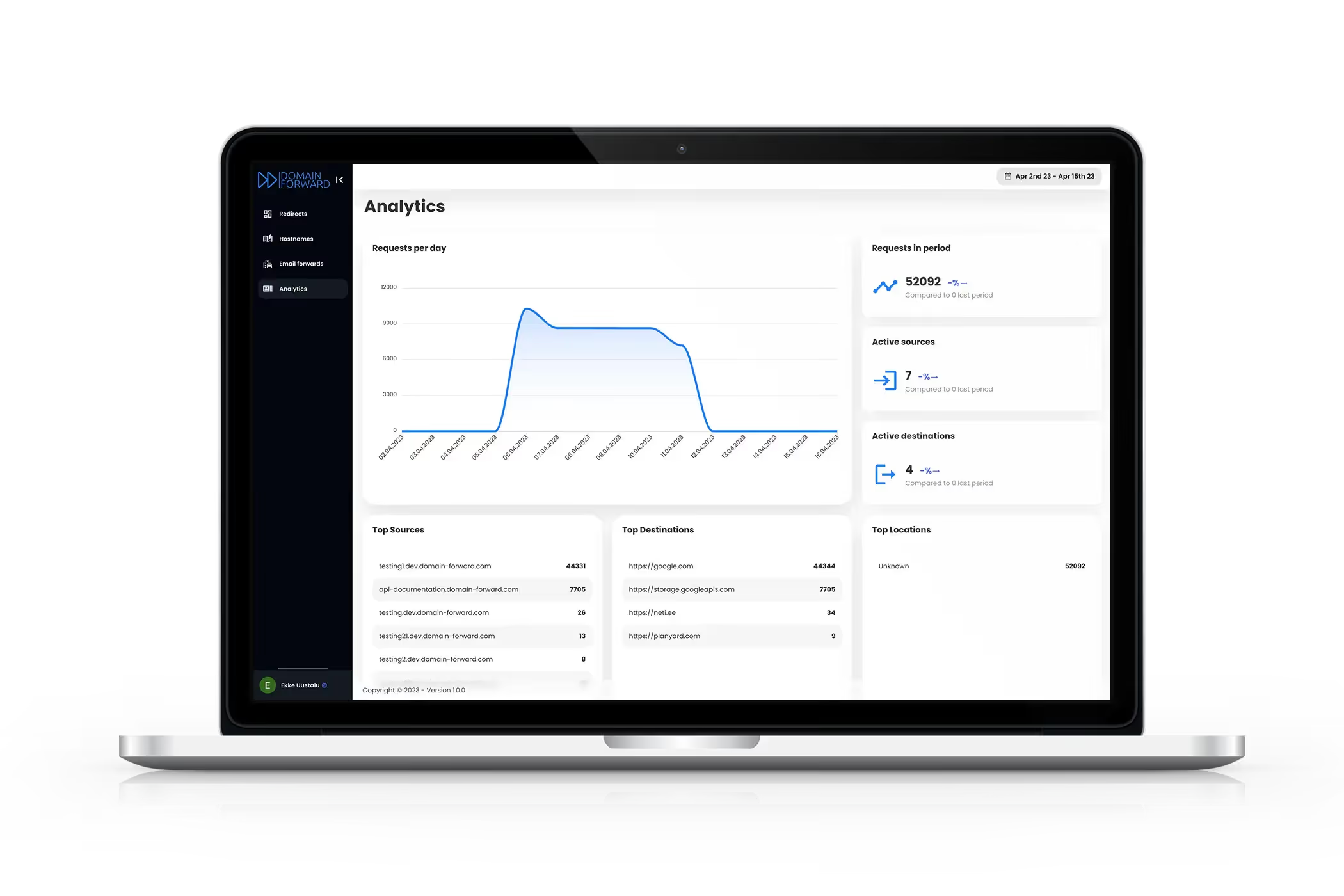
With query forwarding enabled, all URL parameters pass through to the destination. A campaign link like old.com/landing?utm_source=google&utm_medium=cpc lands on new.com/landing?utm_source=google&utm_medium=cpc. Your analytics attribution stays intact. If your destination URL already has parameters, Domain Forward merges them — destination values take precedence.
Get Started FreeFrequently
asked questions
Path forwarding preserves the URL path from the source in the redirect. For example, old.com/blog/my-post → new.com/blog/my-post. Without path forwarding, all URLs redirect to the same root destination.
When query forwarding is enabled, all query parameters from the source URL are passed through to the destination. Your UTM tags (utm_source, utm_medium, utm_campaign) and any other parameters are preserved automatically.
Domain Forward merges them. If the same parameter exists on both the source URL and the destination, the destination value takes precedence. This gives you full control over parameter override behavior.
Yes. Both path forwarding and query parameter forwarding are available on all plans — including the free plan. Just toggle them on when creating or editing a redirect.
Yes. Wildcard subdomain forwarding (Ultimate plan) can be combined with path forwarding. For example, blog.old.com/post-slug → new.com/blog/post-slug.
Keep Your Links, Your SEO, and Your Tracking
Path and query forwarding are free on every plan. No credit card required.