We Detect Your Registrar. You Follow 2 Steps.
DNS configuration is the #1 reason people struggle with domain forwarding. Domain Forward detects your registrar automatically and shows you exactly which records to change — with step-by-step instructions tailored to your provider.
DNS Confusion Is Real
A records, CNAME records, ALIAS records, AAAA records — it's a lot. About 35% of support questions are about DNS configuration. Common fears: 'Will this break my email?', 'Do I need to transfer my domain?', 'Which records do I change?' The answer: you only need to update two records, your email stays untouched, and we guide you through every step.
Auto-Detection for 17+ Registrars
Add your domain and Domain Forward reads its nameserver records to identify your registrar — GoDaddy, Namecheap, Hostinger, IONOS, Bluehost, Cloudflare, and more. Then we show you a tailored guide: exactly which DNS records to add, where to find them in your registrar's dashboard, and what values to enter.
Real-Time DNS Verification
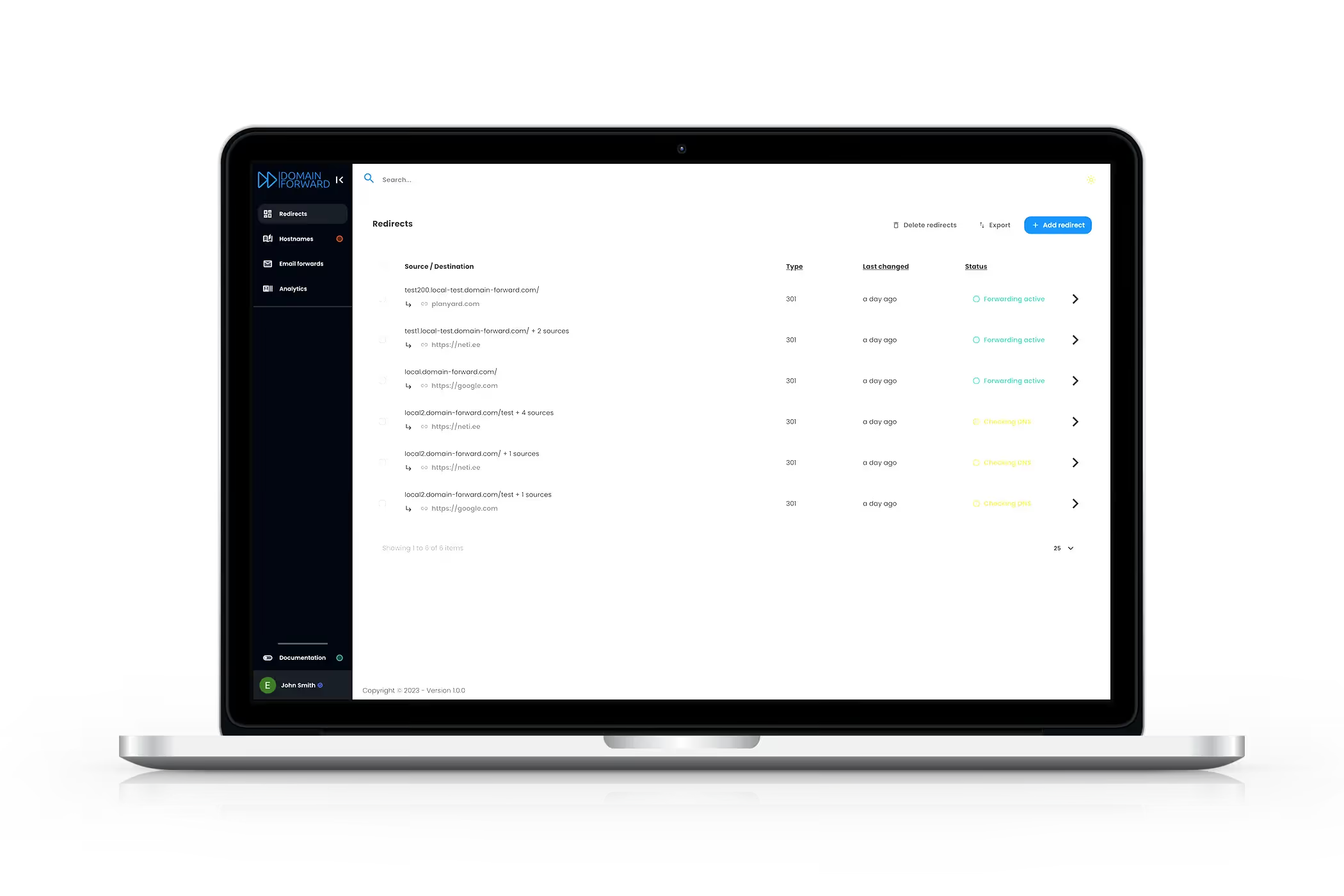
After you update your DNS records, Domain Forward continuously checks whether they've propagated correctly. The dashboard shows detected vs. required values with a clear status indicator. When everything is green, your redirect is live. No guessing, no manual dig commands, no waiting and hoping.
Get Started FreeFrequently
asked questions
No. Domain Forward only requires A and CNAME record changes. Your MX records — which control email delivery — are completely separate and stay untouched. Email, calendar invites, and everything else continue working.
Typically 1–4 hours, though it can take up to 48 hours in rare cases. HTTP redirects start working as soon as DNS updates hit our servers. HTTPS activates once the SSL certificate is issued (automatic, within minutes of DNS propagation).
No. You keep your current nameservers and registrar. Just add or update two DNS records (an A record and a CNAME record). Domain Forward works with any DNS provider — your registrar, Cloudflare, Route53, or any other.
Domain Forward handles both automatically. The A record covers your root domain (example.com) and the CNAME record covers www (www.example.com). Both get SSL certificates and redirect correctly.
We automatically detect 17+ registrars from DNS records, including GoDaddy, Namecheap, Hostinger, IONOS, Bluehost, Domain.com, Cloudflare, Google Domains, OVH, and more. Each gets a tailored step-by-step guide.
Stop Fighting DNS. Start Forwarding.
Set up in under 5 minutes. Free plan includes 5 domains. No credit card required.