Show Your Domain. Hide the Destination.
URL masking keeps your domain in the browser address bar while displaying content from another URL. Useful for brand consistency, temporary landing pages, and parked domains that need to show content.
When to Use URL Masking
URL masking (frame redirect) is the right choice when your visitors need to see your domain name in the address bar — even though the content lives elsewhere. Common use cases: showing a Shopify store under your own domain, displaying a hosted landing page while keeping your brand URL, or parked domains where you want to control the visitor experience without deploying a full website.
How It Works
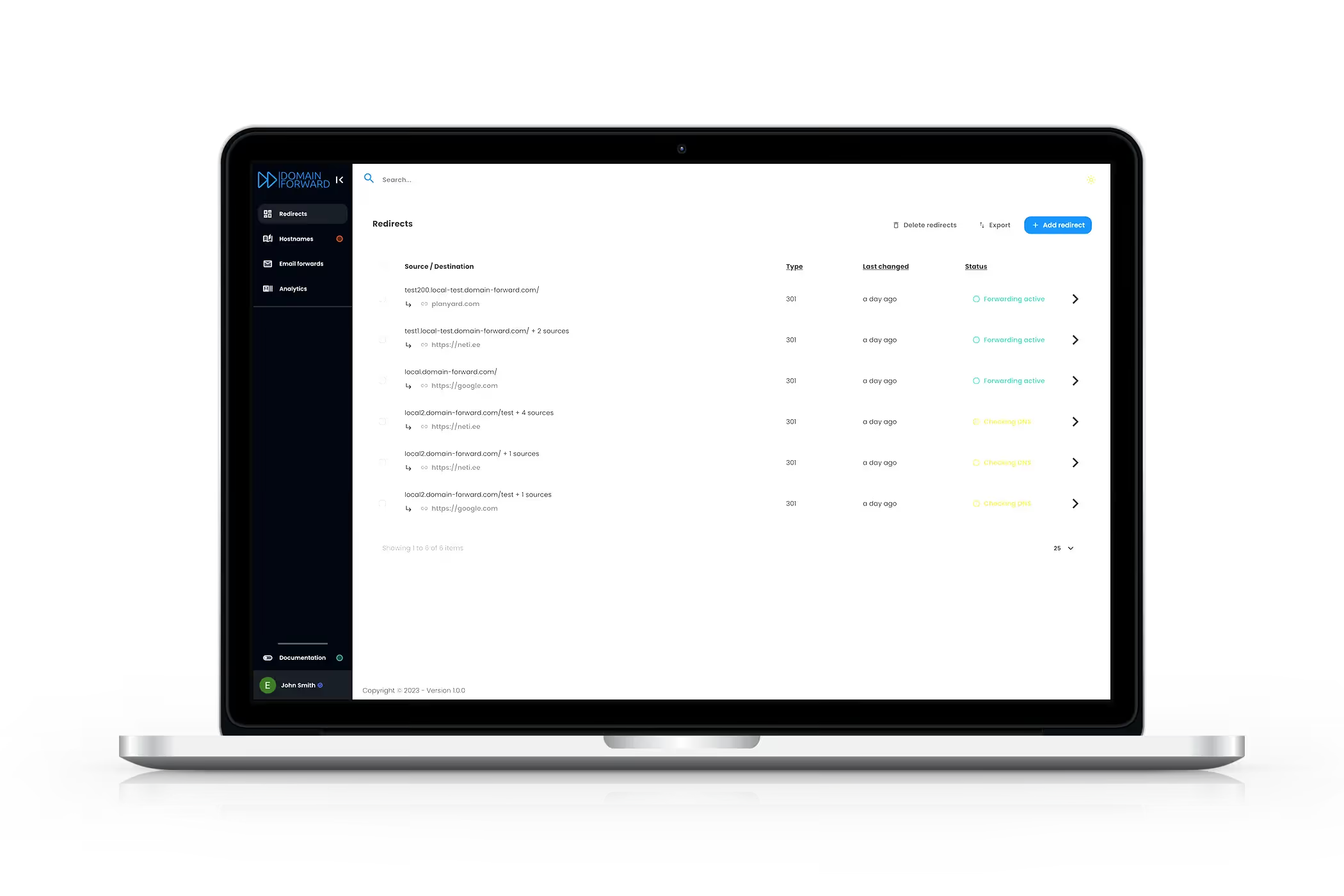
Domain Forward loads your destination URL inside an iframe that fills the entire browser window. The address bar shows your domain (with HTTPS), while the content is pulled from the destination URL. Setup takes 30 seconds: create a redirect, select 'Frame' as the redirect type, and enter your destination URL.
When NOT to Use URL Masking
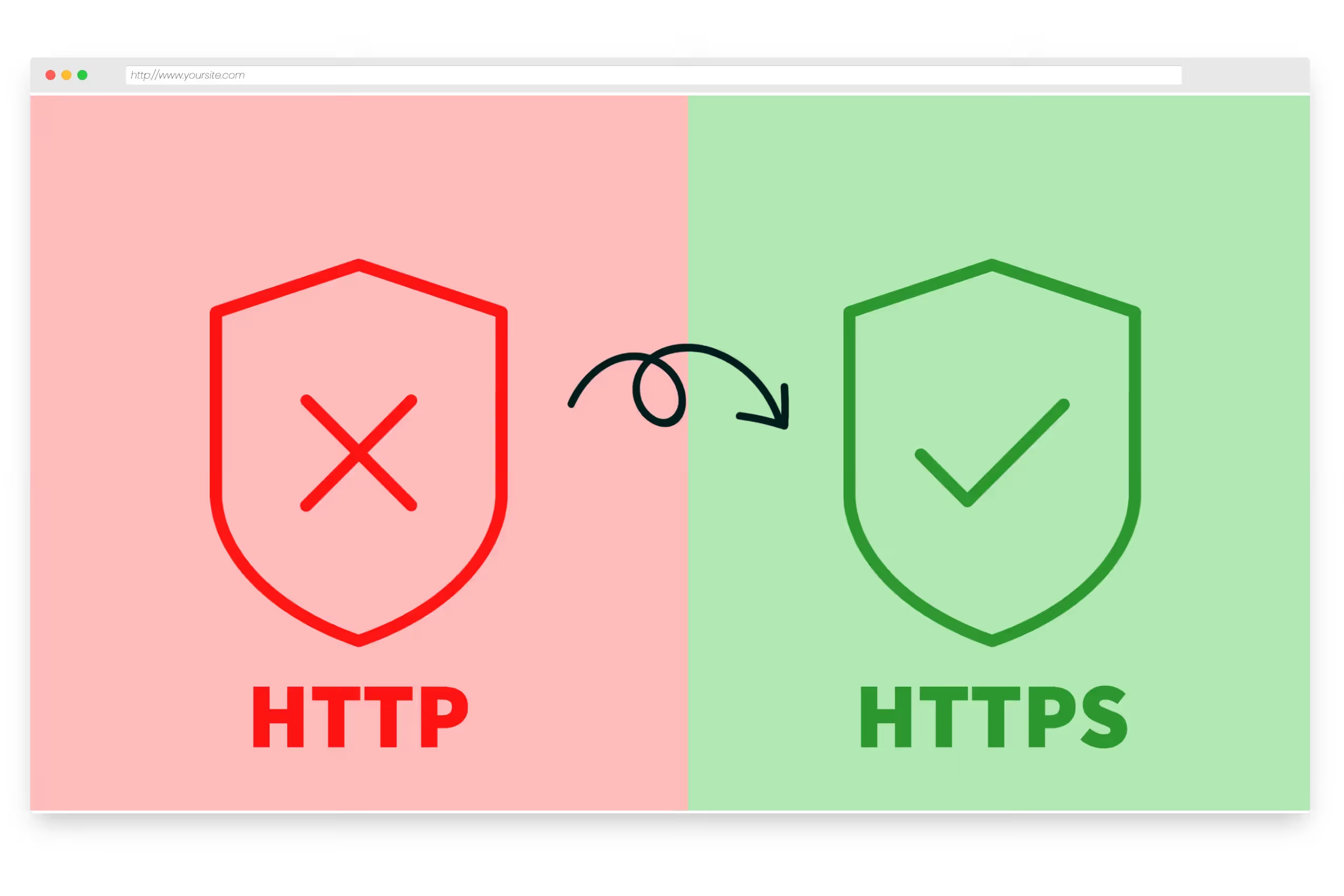
We believe in recommending the right tool. URL masking has real limitations: search engines can't index iframe content under your domain, some destination sites block framing via headers, and browser navigation (back button, bookmarks) can behave unexpectedly. If SEO matters or the destination blocks iframes, use a 301 redirect with path forwarding instead — it transfers full SEO value and works reliably.
Get Started FreeFrequently
asked questions
URL masking (also called URL framing or cloaking) displays your domain in the browser address bar while loading content from a different URL inside an iframe. Visitors see yourdomain.com but the content comes from anotherdomain.com.
A 301 redirect changes the browser address bar to the destination URL. URL masking keeps your original domain visible. The trade-off: masking uses iframes, which can cause issues with some websites and has SEO implications.
Search engines generally cannot index iframe content under your domain. If SEO matters for the masked domain, a 301 redirect with path forwarding is almost always a better choice. URL masking is best for temporary use or when address bar branding is the priority.
URL masking is available on Premium and Ultimate plans. The free plan supports 301 and 302 redirects.
Not always. Some websites set X-Frame-Options or Content-Security-Policy headers that prevent them from being loaded in iframes. If the destination website blocks framing, URL masking won't work — use a standard 301 redirect instead.
Keep Your Brand Front and Center
URL masking is available on Premium and Ultimate plans. Start free and upgrade when you need it.