You Don't Need a Server to Redirect a Domain
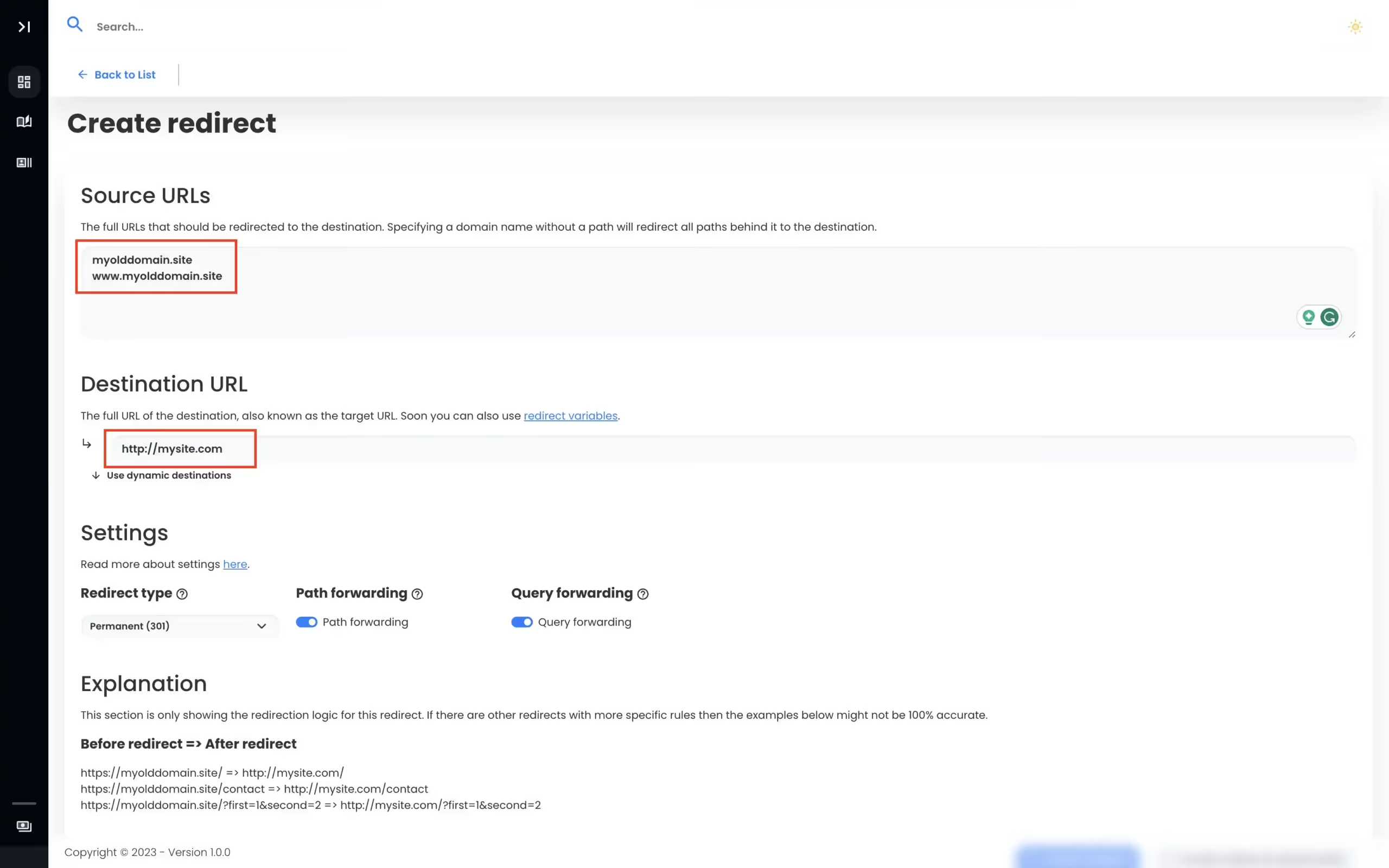
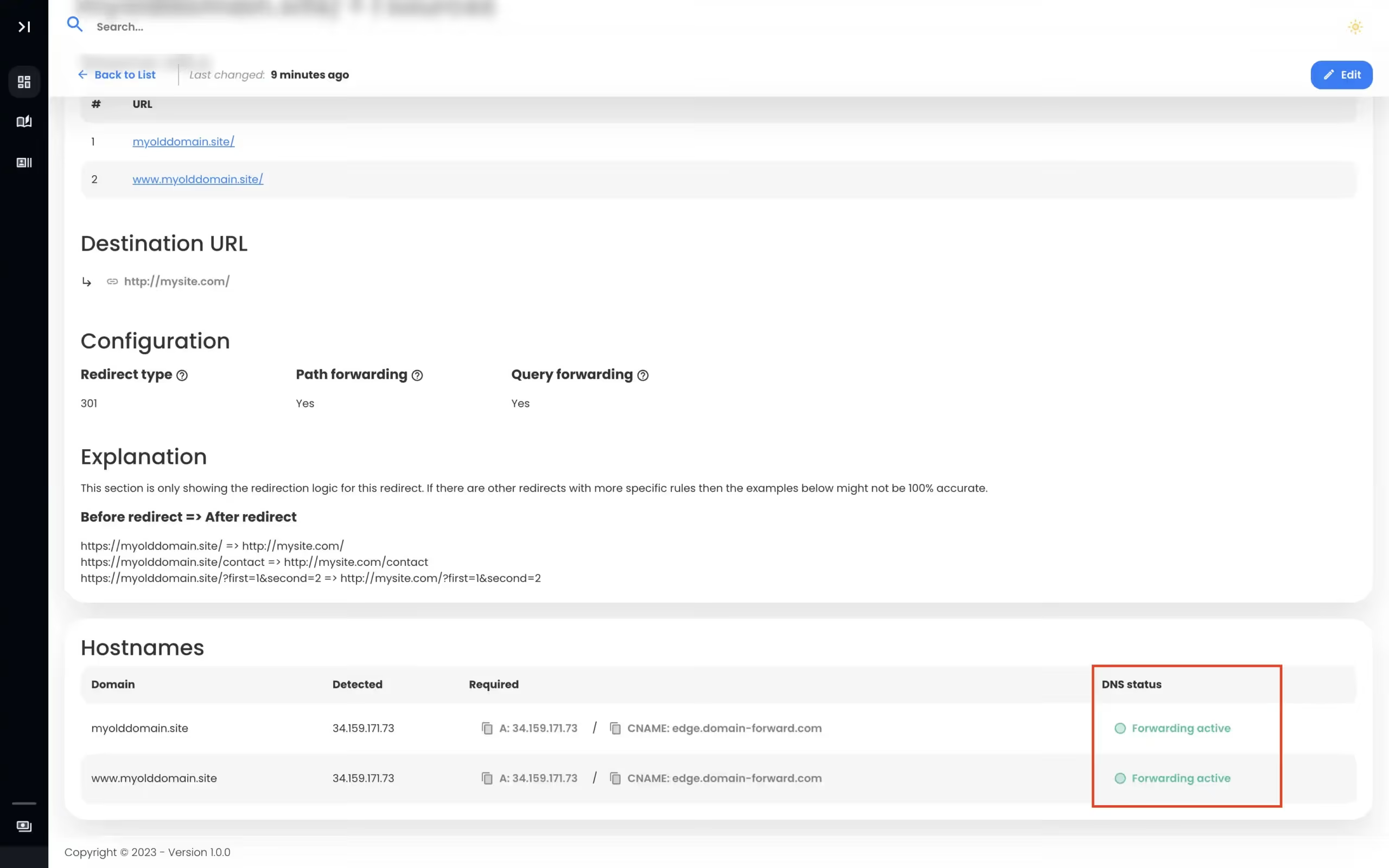
.htaccess redirects require an Apache server, SSL certificate management, and ongoing maintenance. Domain Forward gives you the same 301/302 redirects with auto HTTPS, analytics, and a dashboard — without running a single server.
Feature-by-Feature Comparison
What you get with each approach.
| Feature | Domain Forward | .htaccess |
|---|---|---|
| Server required | ||
| HTTPS support | Auto SSL provisioning | Manual cert management |
| 301 / 302 redirects | ||
| Regex pattern matching | Dynamic destination rules | Full regex (RewriteRule) |
| Path forwarding | ||
| Query string preservation | Manual (QSA flag) | |
| Wildcard subdomains | Requires vhost config | |
| Analytics / click tracking | ||
| Dashboard / UI | ||
| REST API | ||
| Setup time | < 5 minutes | 30 min – hours |
| Server maintenance | None (managed service) | Your responsibility |
| Works without hosting | ||
| Redirect loops detection |
The Hidden Cost of .htaccess Redirects
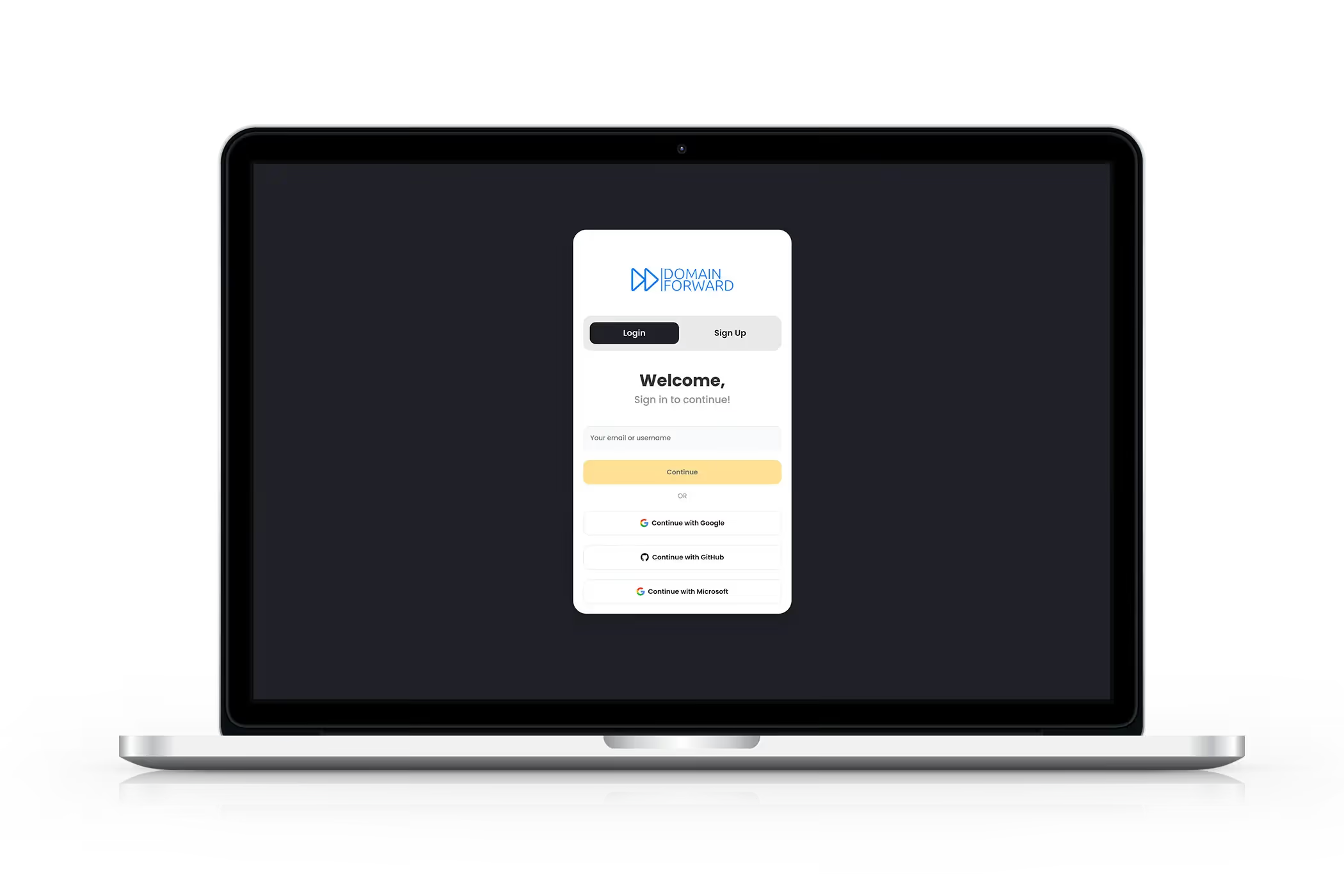
An .htaccess redirect is 'free' — but only if you already have and maintain an Apache server. That means server costs ($5-50/month), SSL certificate management (provisioning, renewal, troubleshooting), security patches, uptime monitoring, and debugging redirect loops when something breaks at 2am. For a service whose only job is redirecting traffic, that's a lot of overhead. Domain Forward handles all of this for the price of a redirect-only service.
No Server? No Problem.
The most common reason people search for .htaccess redirect alternatives: they don't have a server anymore. You've moved to a hosted platform (Shopify, Squarespace, Webflow), or you've decommissioned the old hosting — but you still own the domain and need it to redirect. Domain Forward is purpose-built for this. Point your DNS to us, configure the redirect, done. No hosting required.
Analytics and Visibility
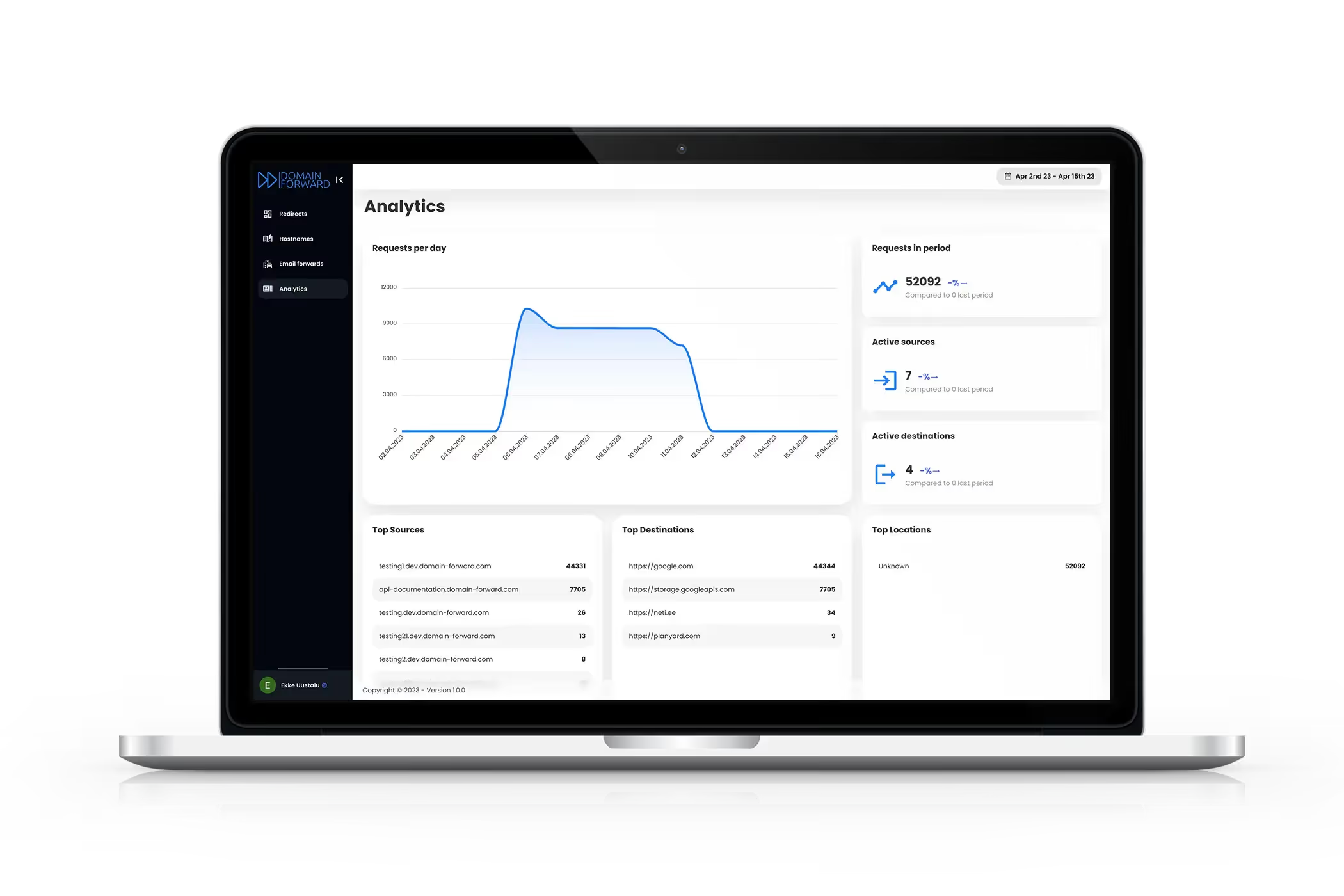
.htaccess redirects are invisible — you don't know how many people are hitting the old URLs, where they're coming from, or which paths get the most traffic. Domain Forward tracks every redirect: click counts, geographic distribution, referrer sources, device types, and browser breakdown. This data helps you understand which old URLs still matter-and when it's safe to let a domain expire.
See Analytics in ActionWhen .htaccess Is the Right Choice
If you already run an Apache server, need complex regex pattern matching (like rewriting URL parameters or conditional rewrites based on headers), and don't care about analytics or a management UI — .htaccess is perfectly fine. It's built into Apache, it costs nothing extra, and it handles edge cases that no SaaS can match. Where it falls short: when you don't want to maintain a server just for redirects, when you need HTTPS without manual cert work, or when you want visibility into your redirect traffic.
Frequently
asked questions
An .htaccess redirect on a well-configured server adds negligible latency. Domain Forward averages <5ms redirect latency globally. The performance difference is insignificant for end users. The real question is maintenance cost — .htaccess requires a running Apache server, SSL management, and ongoing ops work.
Domain Forward uses dynamic destination rules instead of raw regex. You can route based on path patterns, geographic location, device type, and subdomain — covering the most common .htaccess RewriteRule use cases without needing to write or debug regex.
If you have an Apache server running and maintained, .htaccess works fine for basic redirects. Domain Forward makes sense when you want analytics, a management UI, API automation, HTTPS without cert management, or when you're shutting down the old server entirely and just need the domain to redirect.
Yes. Most .htaccess redirect rules map directly to Domain Forward forwarding rules. Simple RewriteRules become standard forwards; path-based rules use path forwarding; domain-level rewrites use our standard redirect. Complex regex chains may need to be simplified.
No. .htaccess is Apache-only. Nginx uses its own configuration syntax (rewrite and return directives in nginx.conf). If you switch from Apache to Nginx, all your .htaccess rules need to be rewritten. Domain Forward works regardless of your server software — or without a server at all.
Stop Maintaining a Server Just for Redirects
Free plan. 5 domains. Auto HTTPS. No server required.