Your Redirects, Locked Down.
Domain forwarding sits between your visitors and your website. Security isn't optional. Domain Forward secures every layer — automatic HTTPS for all redirects, two-factor authentication for your account, and encrypted connections end to end.
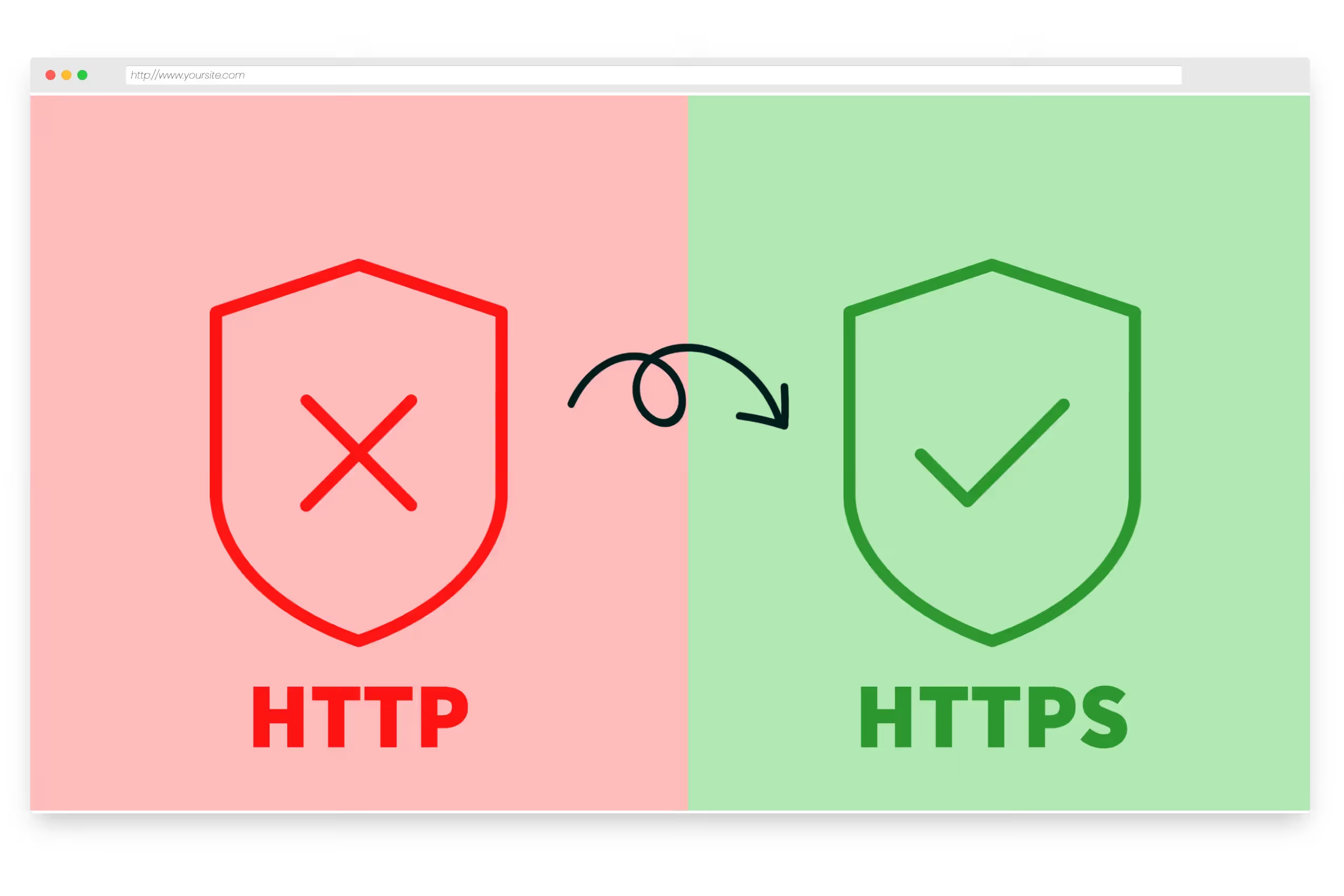
Automatic HTTPS on Every Redirect
Every domain you add to Domain Forward gets an SSL certificate — provisioned and renewed automatically. Root domains, www subdomains, wildcard subdomains — all served over HTTPS with zero configuration. Your visitors never see 'Not Secure' browser warnings. Certificate renewal happens in the background before expiration.
Two-Factor Authentication
Protect your account with TOTP-based two-factor authentication. Enable 2FA from your profile, scan the QR code with any authenticator app, and verify with a one-time code. Every login, every password change, and every sensitive action requires a second factor. Works with Google Authenticator, Authy, 1Password, and any TOTP-compatible app.
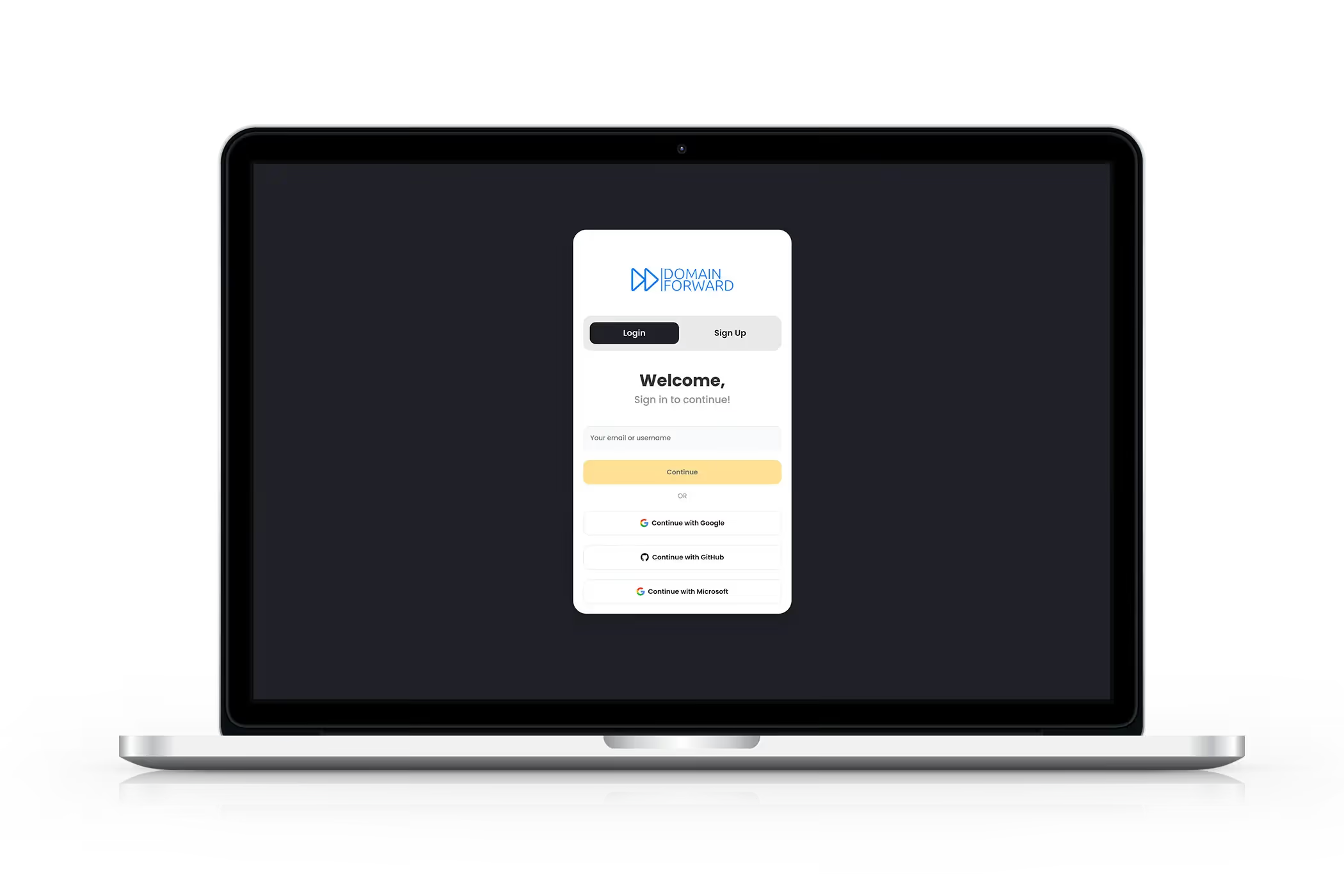
Secure Sign-In Options
Sign in with email/password or Google OAuth — your choice. Email accounts require email verification before you can manage redirects. All authentication is handled via Firebase Auth with industry-standard security practices. Sessions are managed with secure tokens, and sensitive operations require re-authentication.
Get Started FreeFrequently
asked questions
Domain Forward supports TOTP-based 2FA. Enable it from your profile, scan the QR code with any authenticator app (Google Authenticator, Authy, 1Password, etc.), and enter the verification code. Every subsequent login requires both your password and a 2FA code.
You can sign in with email/password or Google OAuth. Both methods support 2FA. Email accounts require email verification before you can manage redirects.
Yes. Every redirect uses HTTPS by default. SSL certificates are provisioned automatically for all your domains — root domains, www subdomains, and wildcard subdomains. Visitors are always redirected over an encrypted connection.
Domain Forward infrastructure is hosted in Google Cloud Platform. Analytics data is processed with industry-standard security practices. We do not sell or share your data with third parties.
Yes. Team accounts support multiple users with role-based access. You control who can create, edit, and delete forwarding rules within your organization.
Security Built In, Not Bolted On
Every plan includes HTTPS, 2FA, and secure authentication. Start free.