Forwarding Domains Shouldn't Require DevOps. It Doesn't.
Managing domain redirects with AWS Route53, CloudFront, and Terraform? There's a simpler way. Domain Forward's REST API lets you create, update, and delete forwarding rules in a single API call.
The DIY Alternative Is Painful
Setting up domain redirects with AWS requires Route53 hosted zones, CloudFront distributions, ACM certificates, S3 buckets, and Lambda@Edge functions. Google Cloud needs Cloud Functions or Cloud Run with custom domains and load balancers. Both require ongoing maintenance, certificate renewals, and infrastructure costs. One API call to Domain Forward replaces all of that.
Full CRUD API with OpenAPI Docs
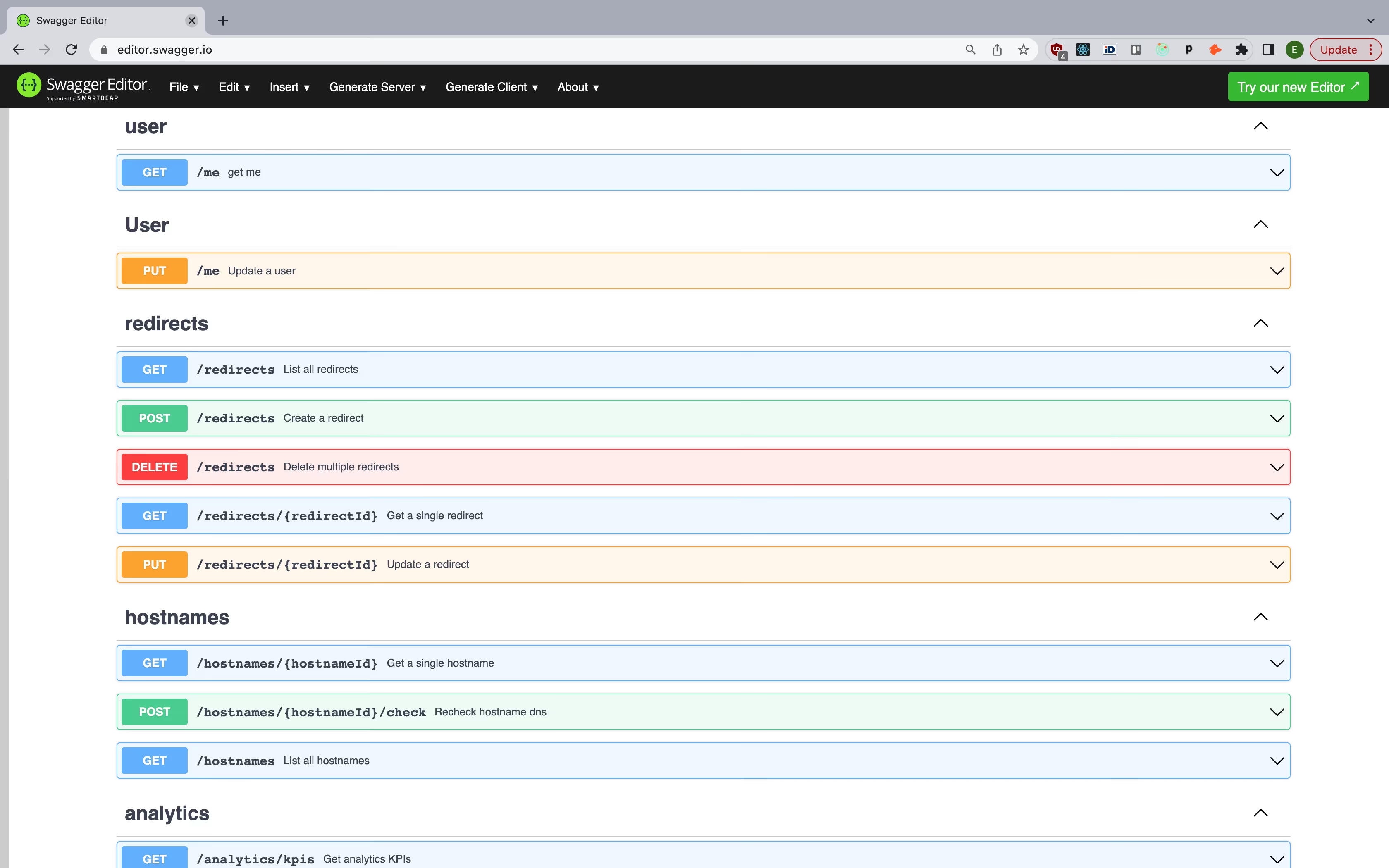
Create a redirect, update its destination, delete it — all via REST. Our API follows OpenAPI 3.0 specification with complete documentation, request/response examples, and authentication guides. Integrate with your CI/CD pipeline, build custom tooling, or manage hundreds of domains from a script.
API Documentation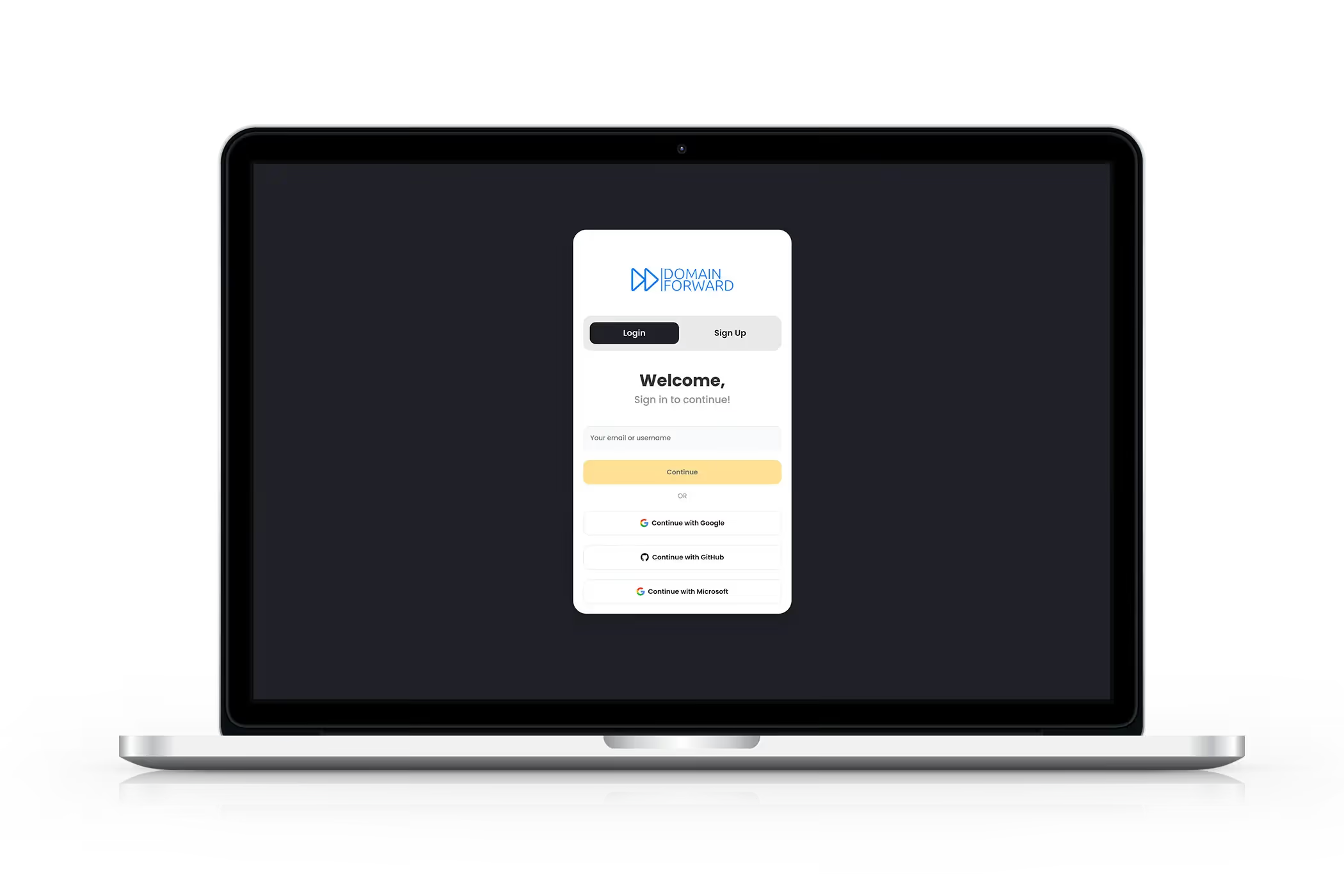
Analytics Data via API
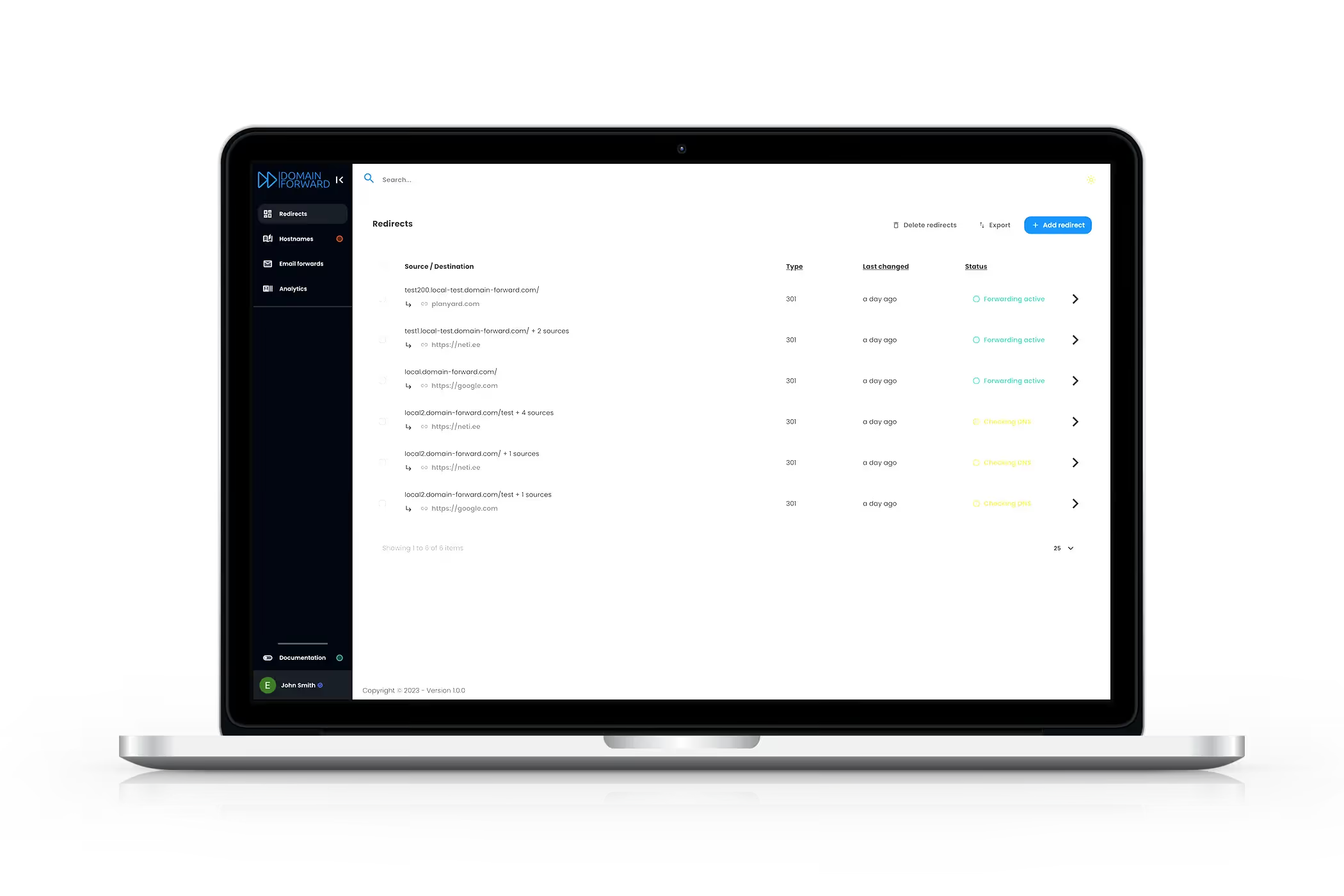
Access your redirect analytics programmatically. Pull click counts, geographic distribution, referrer data, and device statistics into your own dashboards, reports, or monitoring systems. Everything you see in the Domain Forward dashboard is available through the API.
Get Started FreeBuilt for Automation
Domain Forward's API is used by teams managing dozens to hundreds of domains.
100%
API coverage — every feature is API-accessible
OpenAPI
3.0 specification with full docs
Free
API access on every plan
<5ms
average redirect latency
Frequently
asked questions
Yes. Every plan — including the free plan — includes full REST API access. Create, read, update, and delete forwarding rules programmatically with no restrictions on API calls.
Full OpenAPI documentation is available at api-documentation.domain-forward.com. It includes request/response examples, authentication details, and all available endpoints.
API authentication uses bearer tokens. Generate an API token from your Domain Forward dashboard, then include it in the Authorization header of every request.
Yes. You can create, update, and delete multiple redirects via the API. This makes it ideal for managing large numbers of domains or integrating with CI/CD pipelines.
Everything — redirects (create, read, update, delete), hostnames, DNS status checks, and analytics data. The API covers the same functionality as the dashboard.
Replace Your Redirect Infrastructure
One API. No servers. No certificates. No maintenance. Free for up to 5 domains.