Domain Forward vs GoDaddy Forwarding
GoDaddy includes free domain forwarding with every domain registration. But it defaults to 302 redirects, lacks HTTPS on the source domain, and only works with GoDaddy nameservers. Here's when it's enough and when you need more.
Feature-by-Feature Comparison
GoDaddy's forwarding is a basic registrar feature. Domain Forward is a dedicated forwarding service.
| Feature | Domain Forward | GoDaddy Forwarding |
|---|---|---|
| Automatic HTTPS on source domain | ||
| Default redirect type | 301 (permanent) | 302 (temporary) |
| 301 redirect option | Yes (Permanent forwarding option) | |
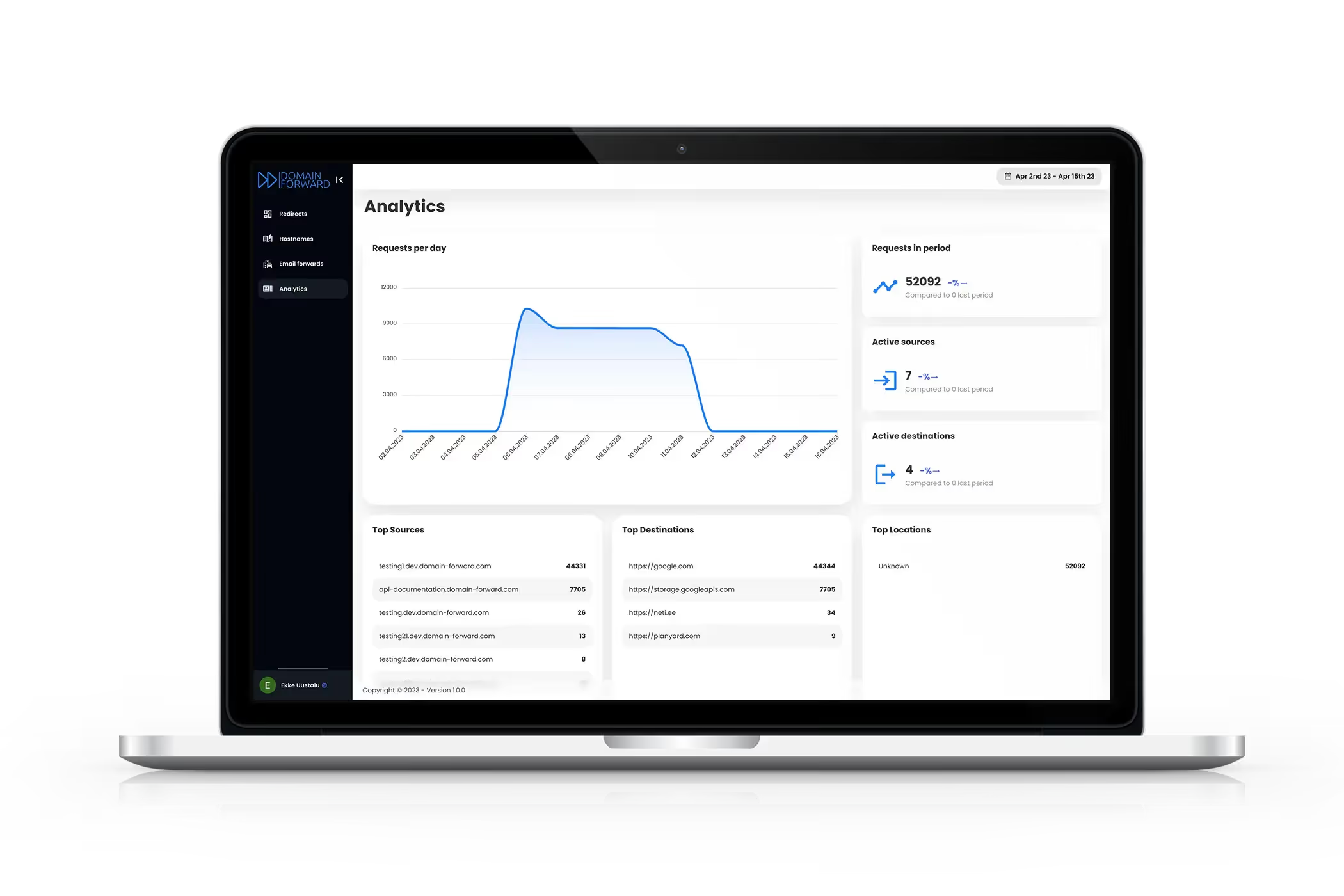
| Redirect analytics | ||
| REST API | ||
| Path forwarding | Limited | |
| Query string preservation | Inconsistent | |
| URL masking | Premium+ ($15/mo) | Yes (iframe-based) |
| Wildcard subdomains | Ultimate plan ($99/mo) | |
| Works with custom nameservers | ||
| Cost | Free (5 hostnames) | Free (with GoDaddy domain) |
| Requires GoDaddy nameservers | ||
| Subdomain forwarding | Limited | |
| Setup complexity | Dashboard / API | GoDaddy DNS management panel |
Where GoDaddy Forwarding Works
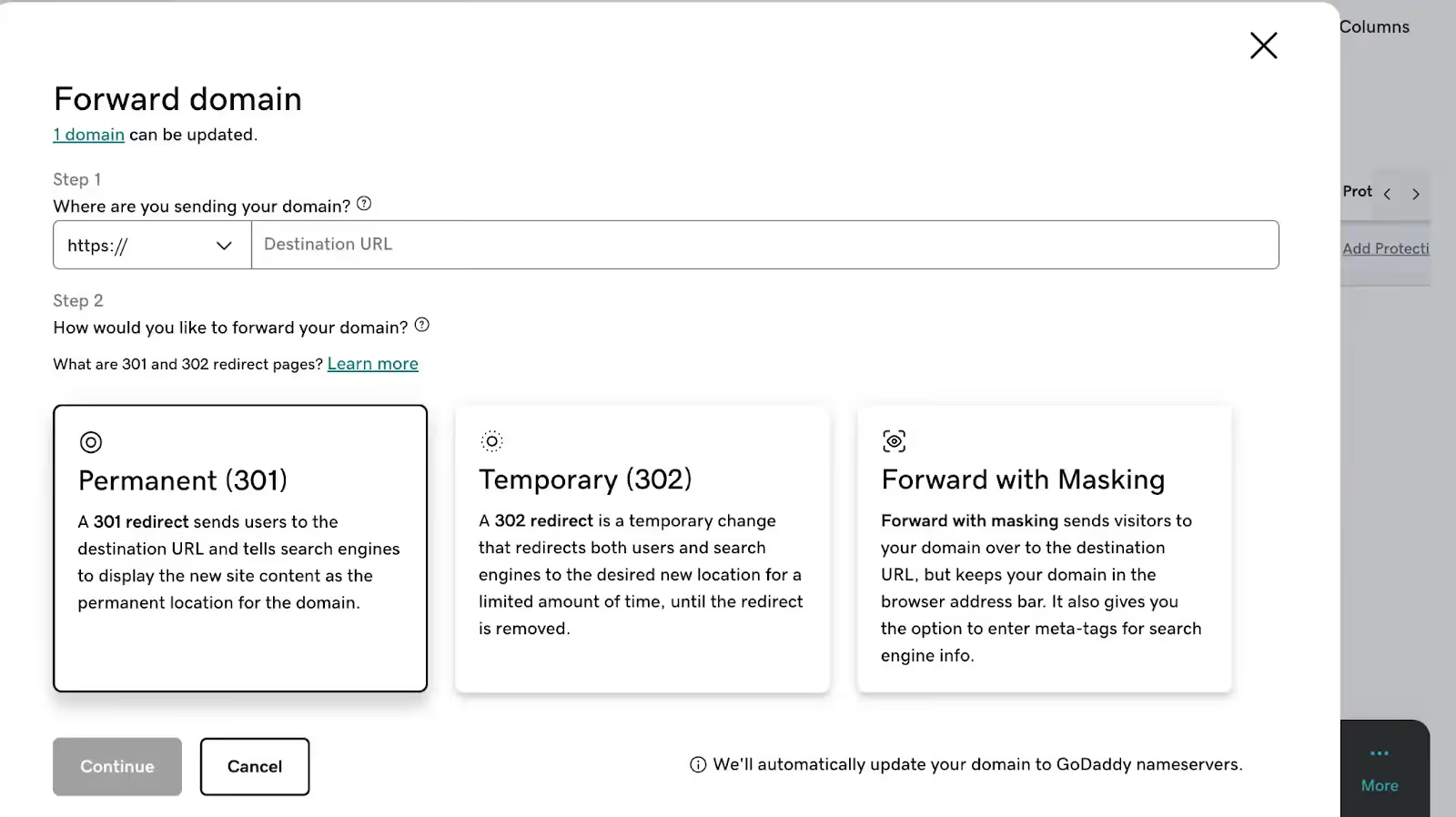
If you have a GoDaddy domain, use GoDaddy nameservers, and need basic forwarding to a single URL — GoDaddy's built-in feature works and it's free. For a parked domain that just needs to go somewhere, with no SEO requirements and no HTTPS concerns, it gets the job done. Make sure to select 'Permanent (301)' instead of the default 'Forward Only' option.
Where Domain Forward Wins
Domain Forward provides what GoDaddy doesn't: automatic HTTPS with SSL certificates on every forwarded domain, 301 redirects by default, redirect analytics, API access, path forwarding, and query string preservation. It works with any DNS provider, not just GoDaddy nameservers. If you care about SEO (and you should), the default 302 and lack of HTTPS on GoDaddy forwarding are deal-breaking issues for permanent domain moves.
The HTTPS Problem
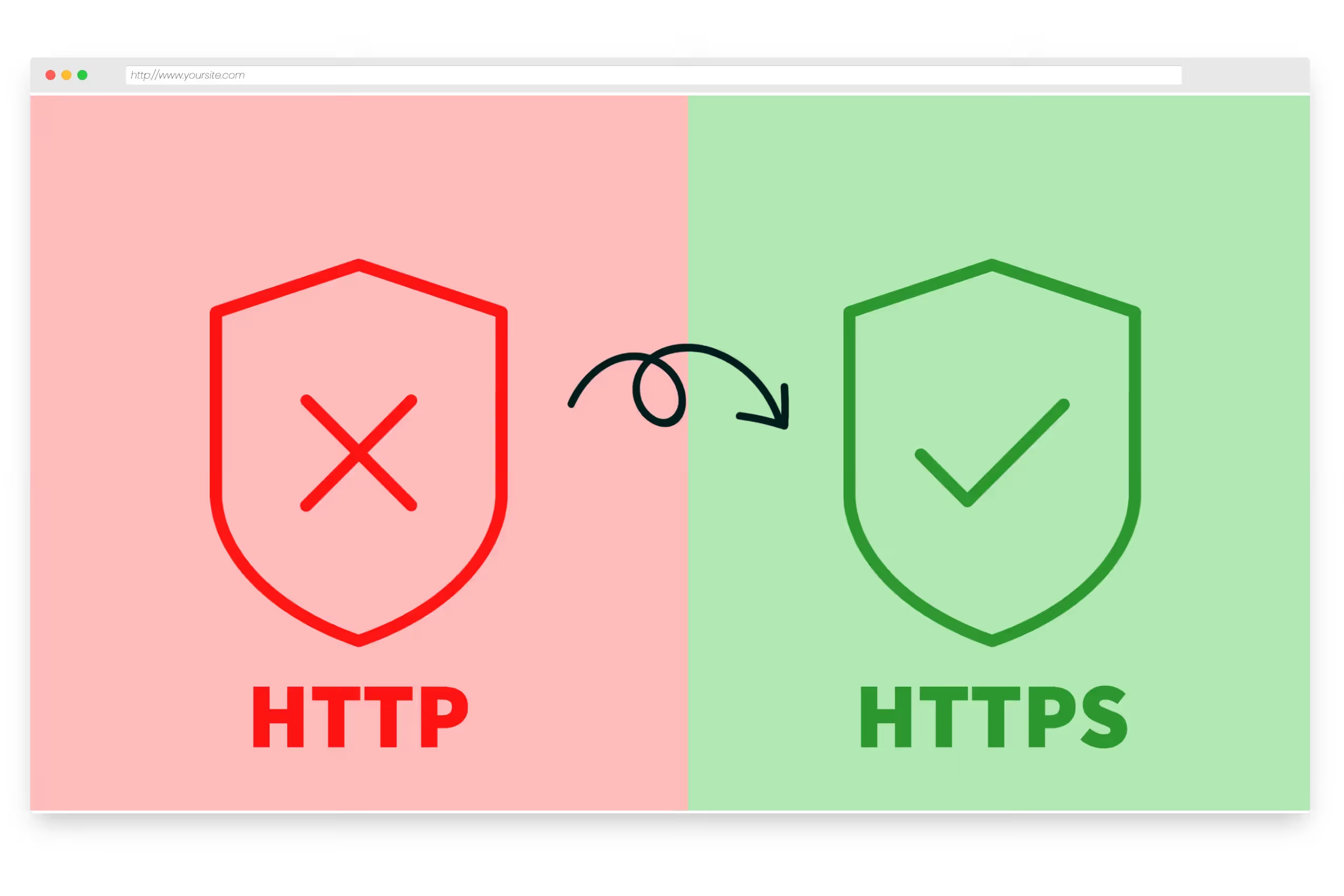
This is the biggest issue with registrar forwarding. When a visitor types your-domain.com in a modern browser, the browser often tries HTTPS first. Without a valid SSL certificate on GoDaddy's forwarding server for your domain, visitors see a security warning. This erodes trust in your brand before the redirect even happens. Domain Forward auto-provisions Let's Encrypt certificates for every forwarded domain — HTTPS works out of the box.
View Domain Forward PricingFrequently
asked questions
GoDaddy's built-in forwarding does not provision SSL certificates for the source domain. If someone visits https://your-forwarded-domain.com, they'll see a browser security warning. The redirect only works reliably over HTTP. Domain Forward auto-provisions SSL certificates for all forwarded domains.
GoDaddy offers both "Forward Only" (302 temporary) and "Forward with Masking" options. The default 302 means search engines won't transfer ranking power to your destination domain. To get a 301, you need to explicitly select the "Permanent (301)" option in GoDaddy's forwarding settings.
Yes. Keep your domain registered at GoDaddy. In GoDaddy's DNS settings, change the A record to point to Domain Forward's IP addresses (or CNAME for subdomains). Then configure your forwarding rules in Domain Forward. Our blog has a detailed step-by-step guide for GoDaddy DNS setup.
No. GoDaddy's built-in forwarding only works when using GoDaddy's own nameservers. If you've pointed your domain to Cloudflare, Route 53, or any other DNS provider, GoDaddy's forwarding feature is disabled. Domain Forward works regardless of your nameserver setup.
Better Forwarding for GoDaddy Domains
Keep your GoDaddy domain. Get HTTPS, 301s, and analytics. Free for 5 domains.