Domain Forward vs Netlify _redirects
Netlify's redirect system is powerful for sites already hosted on their platform. Domain Forward is a standalone service that works with any DNS provider — no hosting required.
Feature-by-Feature Comparison
Netlify redirects are a hosting feature. Domain Forward is a dedicated forwarding service.
| Feature | Domain Forward | Netlify _redirects |
|---|---|---|
| Dedicated redirect management UI | ||
| Redirect analytics | Via Netlify Analytics ($9/mo add-on) | |
| REST API | Deploy API (indirect) | |
| Automatic HTTPS | Yes (on Netlify-hosted sites) | |
| Path forwarding | ||
| Wildcard / splat matching | Ultimate plan ($99/mo) | All plans |
| Country/language conditions | ||
| Proxy/rewrite mode | Yes (status 200 rewrites) | |
| Signed proxy redirects | ||
| Requires Netlify hosting | ||
| Works with any DNS provider | ||
| Free plan | 5 hostnames | Included with Netlify free tier |
| Setup method | Dashboard / API | _redirects file or netlify.toml |
| Redirect types | 301, 302 | 301, 302, 303, 307, 308, 200 (rewrite), 404 |
| Rule limit | Based on hostname count | 10,000+ (serialized output limit) |
| Domain forwarding (entire domain) | Purpose-built | Possible but requires Netlify site |
Where Netlify Wins
Netlify's redirect system handles far more than simple forwarding. You get splat/wildcard matching, country and language-based conditions, proxy rewrites (serving content from another URL without redirecting), signed proxy requests, Edge Functions for complex logic, and support for every HTTP redirect status code. If your site is already on Netlify, redirects come free with your hosting — no additional service needed. The _redirects file is also version-controlled alongside your code, which appeals to developer workflows.
Where Domain Forward Wins
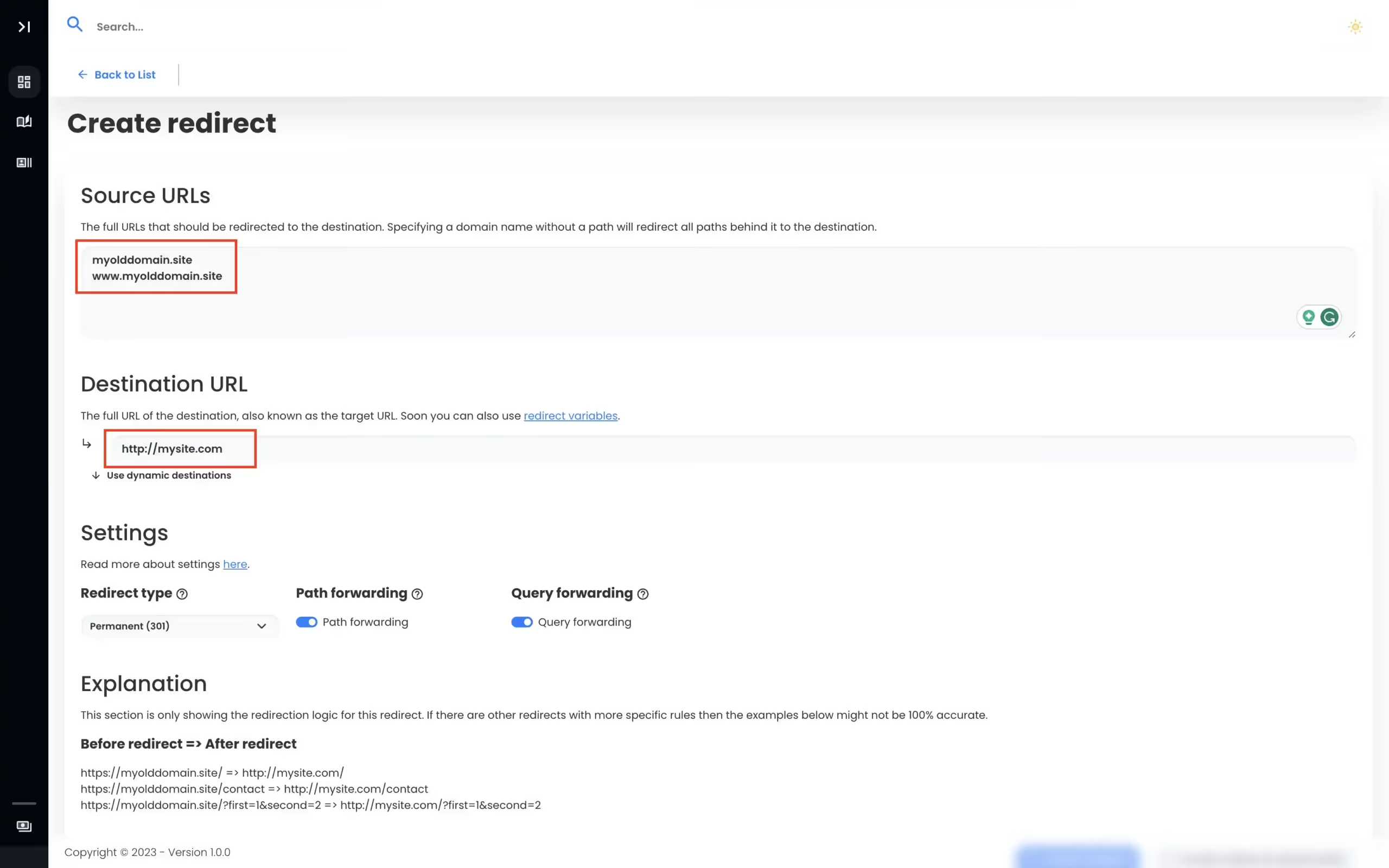
Domain Forward doesn't require hosting. You don't need to deploy a site, manage a build pipeline, or understand _redirects file syntax. Just point your DNS, set a destination, and go. This makes Domain Forward ideal for forwarding-only domains (old brands, vanity URLs, defensive registrations) that have no site to host. You get dedicated redirect analytics per domain, a management dashboard, and API access without having to wrap everything in a Netlify deploy.
Different Tools for Different Jobs
These aren't really competitors — they solve different problems. Netlify redirects are for managing URL routing within a hosted site. Domain Forward is for managing domain-level forwarding independently of any hosting platform. If your redirects are part of a website's URL structure, use Netlify (or whatever your host offers). If your redirects are entire domains pointing to other domains, use Domain Forward.
View Domain Forward PricingFrequently
asked questions
Technically yes — you can deploy an empty site with a _redirects file on Netlify. But this means creating a Netlify account, setting up a build pipeline, deploying a site, and managing DNS for a "site" that only exists to redirect. Domain Forward is purpose-built for this use case without the hosting overhead.
Redirects are included in Netlify's free tier — but your domain must be hosted on Netlify. If your site is already on Netlify, using _redirects for URL-level redirects is a natural choice. For domain-level forwarding where the domain isn't hosted on Netlify, Domain Forward is simpler.
Yes, using domain-level redirect rules in the _redirects file (e.g., "https://old-domain.com/* https://new-domain.com/:splat 301!"). But this requires adding the old domain to your Netlify site, configuring DNS to point to Netlify, and managing the deploy pipeline. Domain Forward handles this with a dashboard and DNS change.
Use Netlify redirects if your site is already hosted on Netlify and you need URL-level redirects (old page → new page) or proxy rewrites. Use Domain Forward for domain-level forwarding (entire domains pointing to other domains) where you don't need or want Netlify hosting.
Domain Forwarding Without Hosting
No build pipeline. No deploy step. 5 domains free.