Your Name. Your Domain. No Hosting Required.
You own yourname.com but don't want to build a website. Redirect it to your LinkedIn profile, GitHub, Behance, Dribbble, or a PDF resume. Professional on your business card, zero maintenance to upkeep. Change the destination anytime.
A Personal Domain Without the Personal Website
Not everyone needs a full website. If your work lives on LinkedIn, Behance, GitHub, or Dribbble, maintaining a separate portfolio site is overhead you don't need. But yourname.com on a business card is powerful — it looks professional, it's memorable, and it works forever. Redirect it to wherever your best work lives today.
Upgrade Your Career, Not Your Hosting Plan
Your career evolves. Today you're pointing your domain at LinkedIn. Next month you launch a Notion portfolio. Next year you have a full personal website. With Domain Forward, just update the destination — your domain on hundreds of business cards, your email signature, and your resume still works. No DNS changes, no waiting, no technical skills.
Put It On Your Business Card Today
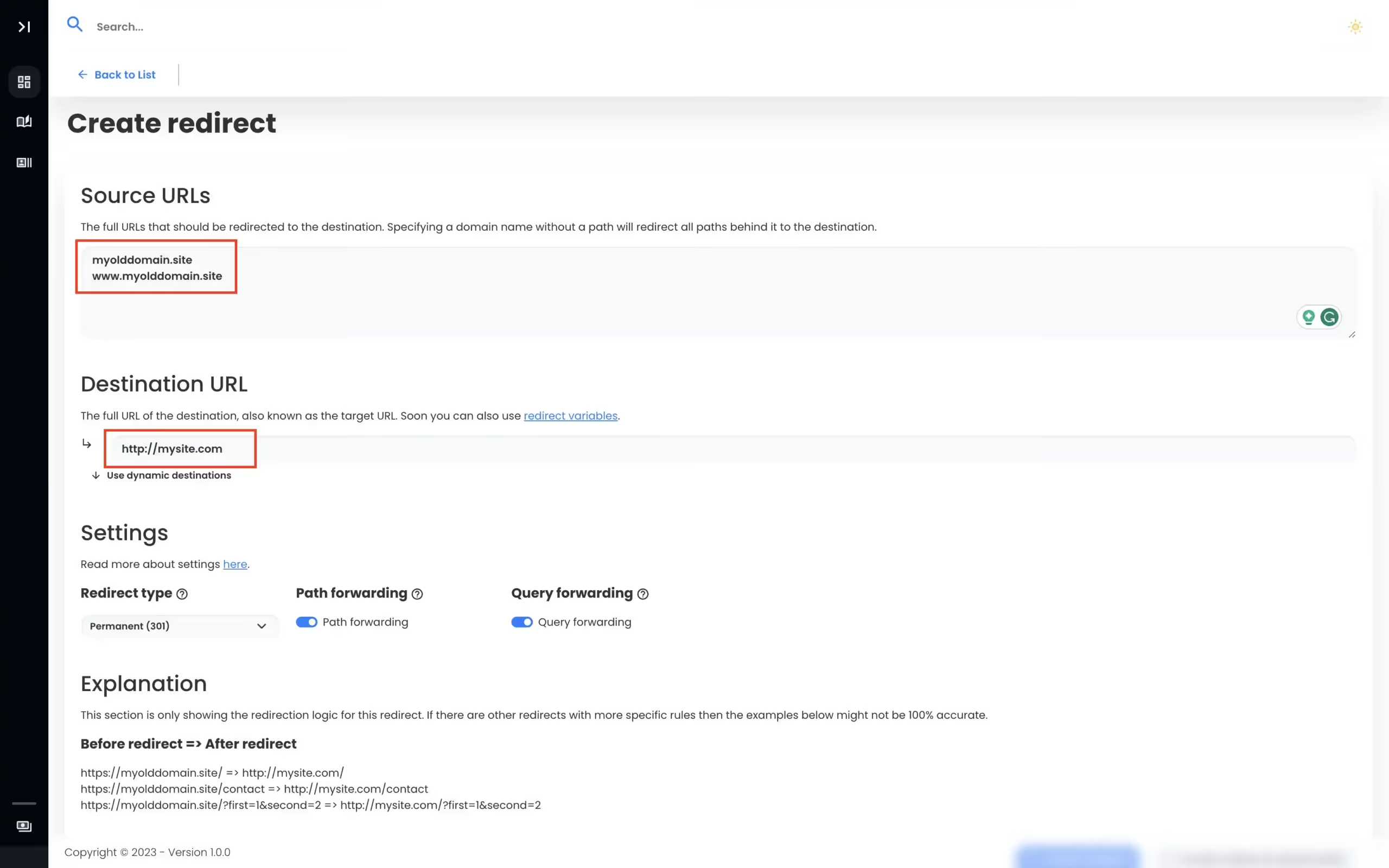
Sign up at Domain Forward (free, no credit card). Add your domain. Enter your LinkedIn URL or portfolio link. Update two DNS records at your registrar. Done in 5 minutes. Now print yourname.com on your business cards, add it to your resume, and stop worrying about building a website you'll never maintain.
Set Up Your DomainPersonal Branding Without the Overhead
A professional domain presence that takes 5 minutes, not 5 weeks.
$0
hosting cost — you only pay for the domain registration
5 min
total setup time
HTTPS
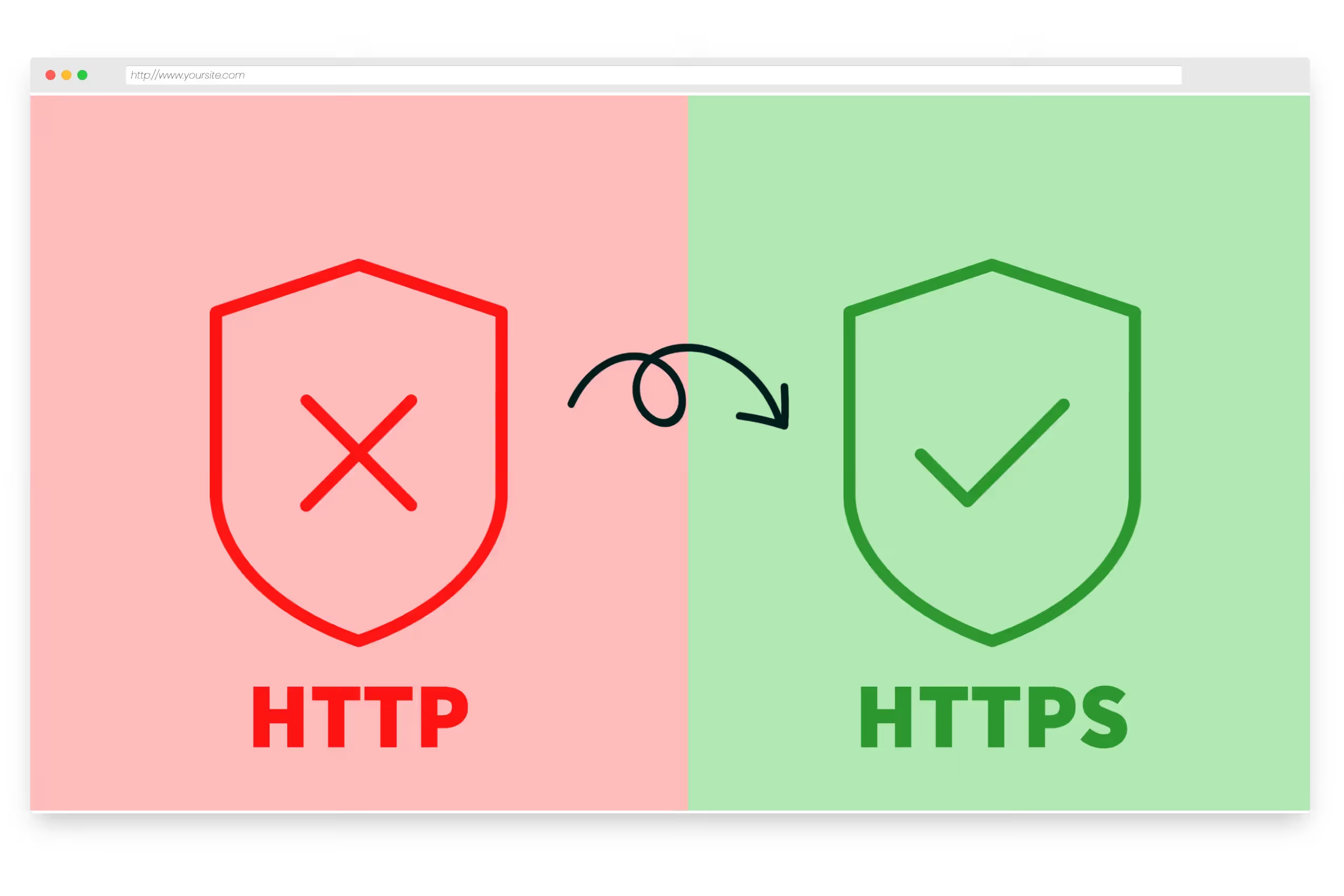
automatic SSL — looks legit, works securely
0
maintenance effort — set it and forget it
Frequently
asked questions
Yes. Redirect yourname.com to your LinkedIn profile URL. Put the domain on business cards, resumes, and email signatures. Visitors type your name and land on your professional profile — no searching required.
Yes. Redirect your domain to any URL — LinkedIn, GitHub, Behance, Dribbble, a PDF resume, a Notion page, or any portfolio platform. If it has a URL, you can redirect to it.
No. Domain Forward handles the redirect without any hosting. You only need the domain registration (typically $10-15/year) and a free Domain Forward account. No server, no CMS, no maintenance.
Yes. Start by redirecting to LinkedIn. Got a new portfolio? Switch to Behance. Launched a personal site? Point to that instead. Just update the destination URL in Domain Forward — no DNS changes needed.
Common patterns: yourname.com (root domain), resume.yourname.com → resume PDF, work.yourname.com → portfolio, linkedin.yourname.com → LinkedIn profile, github.yourname.com → GitHub. All covered by the free plan.
Yes. Domain Forward provisions an SSL certificate automatically. Visitors accessing https://yourname.com are securely redirected. No warnings, no setup required on your end.
Own Your Name Online. No Website Needed.
Free plan includes 5 domains. Redirect to LinkedIn, GitHub, Behance, or anywhere. HTTPS included.