Your Old Church or Non-Profit Domain Still Gets Visitors.
Parishes merge. Organizations rebrand. Old websites retire. But the old domain is still in printed directories, community newsletters, and Google results. Domain Forward redirects visitors from the old domain to your new site — free, with HTTPS, in 5 minutes.
Parishes Merge, Domains Don't Disappear
When churches consolidate or non-profits rebrand, the old domain stays in printed bulletins, community directories, donor records, and Google Maps listings. Members type the old URL from memory. Donors click bookmarked links. Without a redirect, they hit a dead page — and assume the organization closed. A 301 redirect from the old domain to the new consolidated site keeps everyone connected.
Why Most Solutions Are Overkill
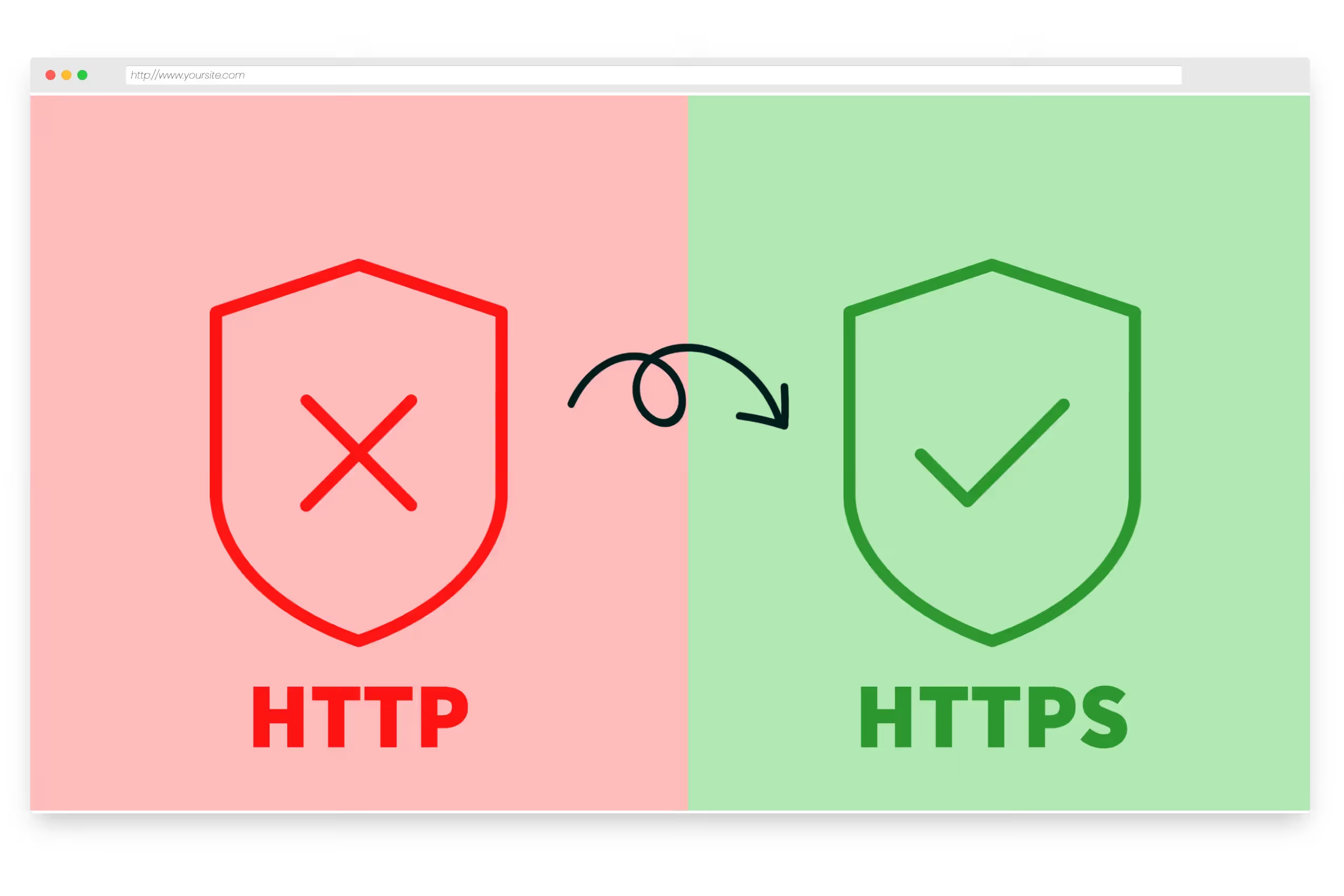
You don't need to maintain a server for a retired website. You don't need to pay for web hosting just to show a 'we moved' page. And your registrar's built-in forwarding probably doesn't support HTTPS — so visitors see security warnings instead of your new site. Domain Forward handles the redirect with automatic SSL, proper 301 redirects, and zero hosting required.
Set Up in 5 Minutes — No Technical Staff Required
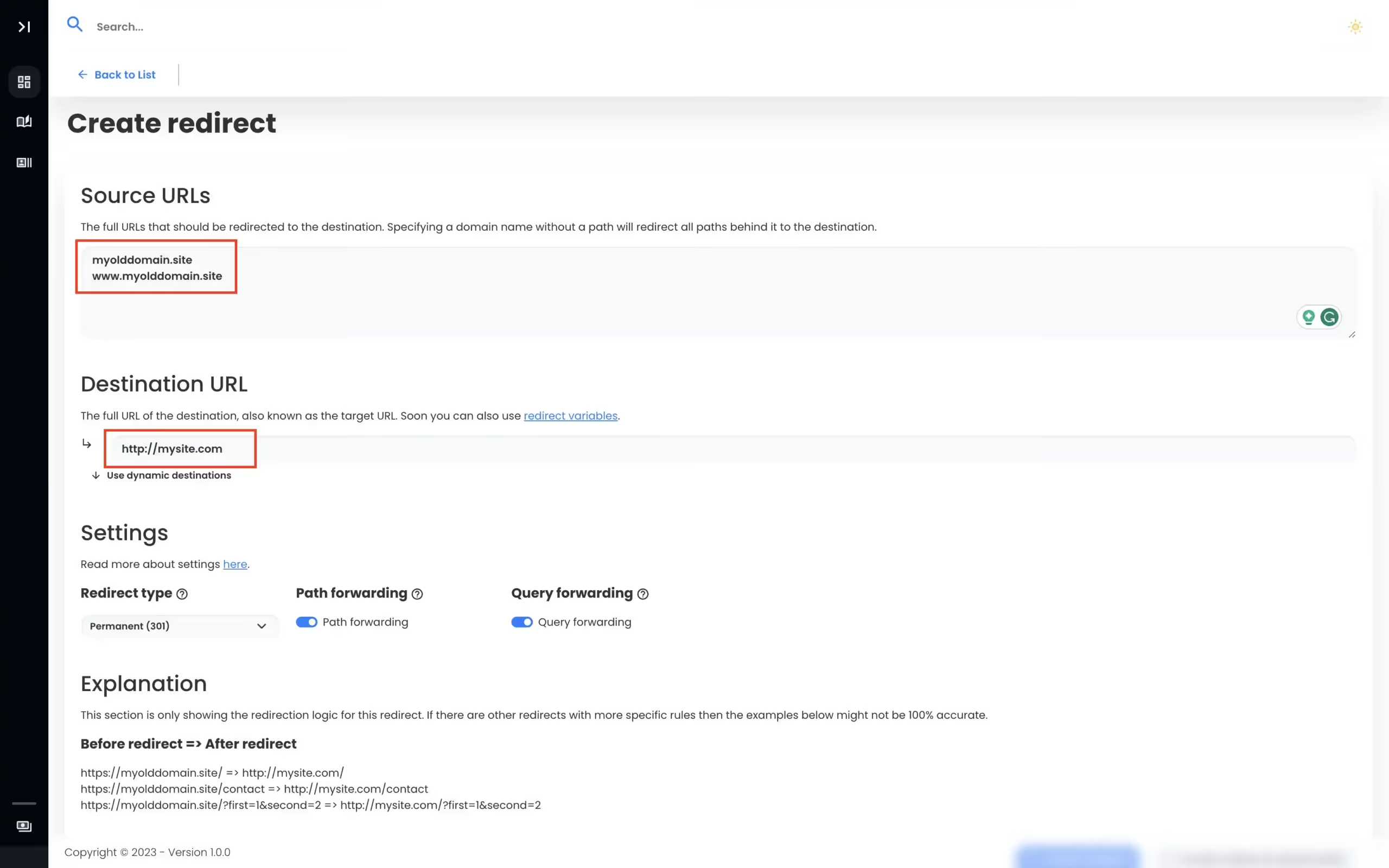
Add your old domain in the Domain Forward dashboard. Enter the destination (your new website URL). Update two DNS records at your registrar. Done. SSL certificates are provisioned automatically. Both www and non-www versions are handled. Any church volunteer or board member can set this up — our step-by-step registrar guides walk through every click.
Set Up Your RedirectBuilt for Organizations on a Budget
Domain Forward's free plan covers most non-profit needs.
Free
up to 5 domains, no credit card, no expiration
5 min
setup time — any volunteer can do it
HTTPS
automatic SSL certificates included
301
permanent redirects preserve Google rankings
Frequently
asked questions
Domain Forward's free plan includes up to 5 domains with full HTTPS support, 301 redirects, and analytics. This covers the needs of most non-profits and churches. No credit card required, no time limit.
Yes. Add each old domain as a separate redirect pointing to your consolidated website. The free plan covers up to 5 domains — perfect for merging 2-4 parishes into one. Each old domain gets its own SSL certificate and analytics.
No. Domain Forward only changes A and CNAME records for web traffic. Your MX records — which control email delivery through Google Workspace, Microsoft 365, or any email provider — remain completely untouched.
The setup takes about 5 minutes and involves two steps: adding your redirect in Domain Forward's dashboard, then updating two DNS records at your domain registrar. Our step-by-step guides walk through the process for every major registrar.
Yes. The Domain Forward dashboard is simple enough for anyone to manage. You can update where a domain redirects to, add new domains, or check analytics without any technical expertise.
As long as you own the domain. Old URLs exist in printed bulletins, community directories, Google results, and members' bookmarks. Keep the redirect active permanently — Domain Forward's free plan makes this cost-free.
Redirect Your Old Domain. Keep Your Community Connected.
Free plan includes 5 domains. Automatic HTTPS, 301 redirects, and analytics. No hosting required.